Raspberry Pi Cameras

10 products

  •  -51% FPC Camera Cable for Raspberry Pi 5 (200 mm) - Elektor

    Raspberry Pi Foundation FPC Camera Cable for Raspberry Pi 5 (200 mm)

    Raspberry Pi 5 provides two four-lane MIPI connectors, each of which can support either a camera or a display. These connectors use the same 22-way, 0.5 mm-pitch “mini” FPC format as the Compute Module Development Kit, and require adapter cables to connect to the 15-way, 1 mm-pitch “standard” format connectors on current Raspbery Pi camera and display products.These mini-to-standard adapter cables for cameras and displays (note that a camera cable should not be used with a display, and vice versa) are available in 200 mm, 300 mm and 500 mm lengths.

    € 1,95€ 0,95

    Members identical

  •  -50%Last Stock! Adafruit Zero Spy Camera for Raspberry Pi Zero (160 Degree Focal Angle) - Elektor

    Adafruit Adafruit Zero Spy Camera for Raspberry Pi Zero (160 Degree Focal Angle)

    1 in stock

    Is your house haunted? Or, rather, are you convinced that your house is haunted but have never been able to prove it since you've never had a camera that integrated with your Raspberry Pi Zero but was still small enough that the ghosts wouldn't notice it? Luckily, the spy camera for Raspberry Pi Zero is smaller than a thumbnail with a high enough resolution to see people, ghosts, or whatever it is you're looking for. It's about the size of a cell phone camera – the module being just 8.6 x 8.6 mm – with only a 2' cable, so you can create an extra compact and sneaky little spy cam. It has a 160-degree focal angle for a very wide/distorted fisheye effect that's great for security systems or watching a big swath of the living room or roadway. Like the Raspberry Pi camera board, it attaches to your Raspberry Pi Zero v1.3 or Zero W by way of the small socket on the board's edge closest to the 'PWR in' port. This interface uses the dedicated CSI interface, which was designed especially for interfacing to cameras. The CSI bus is capable of extremely high data rates, and it exclusively carries pixel data. The camera is connected to the BCM2835 processor on the RPi via the CSI bus, a higher bandwidth link which carries pixel data from the camera back to the processor. This bus travels along the ribbon cable that attaches the camera board to the Pi. The ribbon cables are compatible with both the RPi Zero v1.3 and RPi Zero W. The sensor itself has a native resolution of 5 megapixels and has a fixed focus lens onboard. It has similar specs as the original RPi camera, but is not as high-res as the new RPi camera v2! Specifications Camera Module Dimensions: 8.6 x 8.6 mm Lens Diameter: 10 mm Total Length: 60 mm Lens Focal Angle: 160 degrees Weight: 1.9 g

    1 in stock

    € 34,95€ 17,50

    Members identical

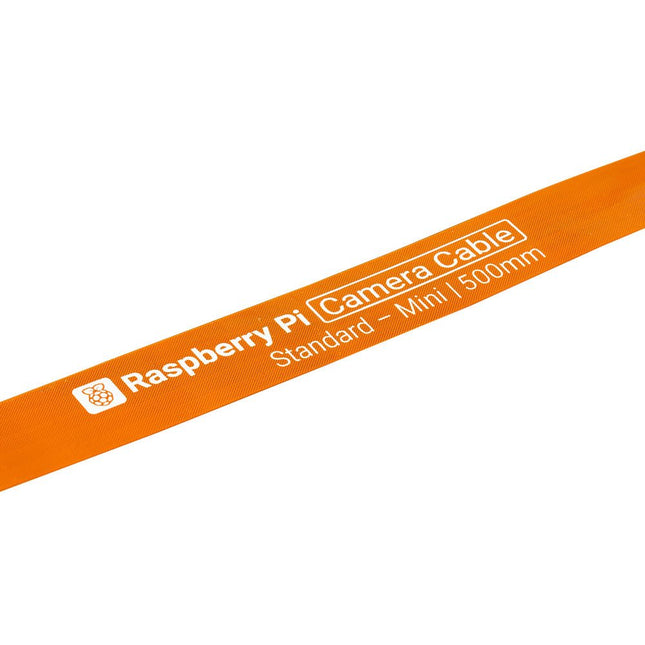
  •  -51% FPC Camera Cable for Raspberry Pi 5 (500 mm) - Elektor

    Raspberry Pi Foundation FPC Camera Cable for Raspberry Pi 5 (500 mm)

    Raspberry Pi 5 provides two four-lane MIPI connectors, each of which can support either a camera or a display. These connectors use the same 22-way, 0.5 mm-pitch “mini” FPC format as the Compute Module Development Kit, and require adapter cables to connect to the 15-way, 1 mm-pitch “standard” format connectors on current Raspbery Pi camera and display products.These mini-to-standard adapter cables for cameras and displays (note that a camera cable should not be used with a display, and vice versa) are available in 200 mm, 300 mm and 500 mm lengths.

    € 3,95€ 1,95

    Members identical

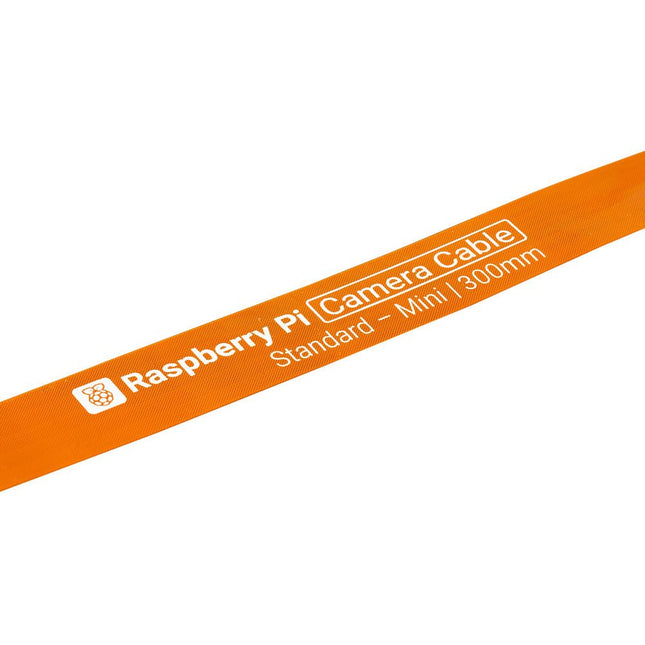
  •  -49% FPC Camera Cable for Raspberry Pi 5 (300 mm) - Elektor

    Raspberry Pi Foundation FPC Camera Cable for Raspberry Pi 5 (300 mm)

    Raspberry Pi 5 provides two four-lane MIPI connectors, each of which can support either a camera or a display. These connectors use the same 22-way, 0.5 mm-pitch “mini” FPC format as the Compute Module Development Kit, and require adapter cables to connect to the 15-way, 1 mm-pitch “standard” format connectors on current Raspbery Pi camera and display products.These mini-to-standard adapter cables for cameras and displays (note that a camera cable should not be used with a display, and vice versa) are available in 200 mm, 300 mm and 500 mm lengths.

    € 2,95€ 1,50

    Members identical

  •  -50% M12 Mount Lens (12 MP, 8 mm) - Elektor

    Raspberry Pi Foundation M12 Mount Lens (12 MP, 8 mm)

    The M12 Mount Lens (12 MP, 8 mm) is ideal for use with the Raspberry Pi HQ Camera Module, offering sharp and detailed imaging for a wide range of applications.

    € 29,95€ 14,95

    Members identical

  •  -51% FPC Display Cable for Raspberry Pi 5 (200 mm) - Elektor

    Raspberry Pi Foundation FPC Display Cable for Raspberry Pi 5 (200 mm)

    Raspberry Pi 5 provides two four-lane MIPI connectors, each of which can support either a camera or a display. These connectors use the same 22-way, 0.5 mm-pitch “mini” FPC format as the Compute Module Development Kit, and require adapter cables to connect to the 15-way, 1 mm-pitch “standard” format connectors on current Raspbery Pi camera and display products.These mini-to-standard adapter cables for cameras and displays (note that a camera cable should not be used with a display, and vice versa) are available in 200 mm, 300 mm and 500 mm lengths.

    € 1,95€ 0,95

    Members identical

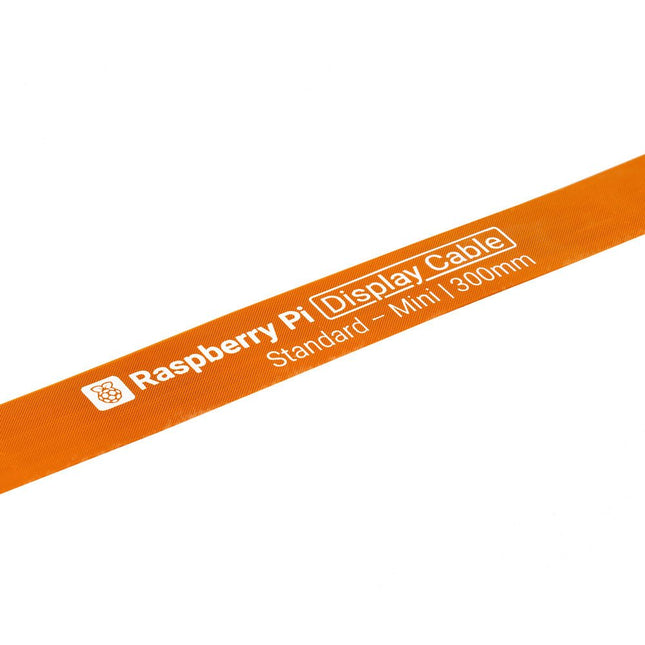
  •  -49% FPC Display Cable for Raspberry Pi 5 (300 mm) - Elektor

    Raspberry Pi Foundation FPC Display Cable for Raspberry Pi 5 (300 mm)

    Raspberry Pi 5 provides two four-lane MIPI connectors, each of which can support either a camera or a display. These connectors use the same 22-way, 0.5 mm-pitch “mini” FPC format as the Compute Module Development Kit, and require adapter cables to connect to the 15-way, 1 mm-pitch “standard” format connectors on current Raspbery Pi camera and display products.These mini-to-standard adapter cables for cameras and displays (note that a camera cable should not be used with a display, and vice versa) are available in 200 mm, 300 mm and 500 mm lengths.

    € 2,95€ 1,50

    Members identical

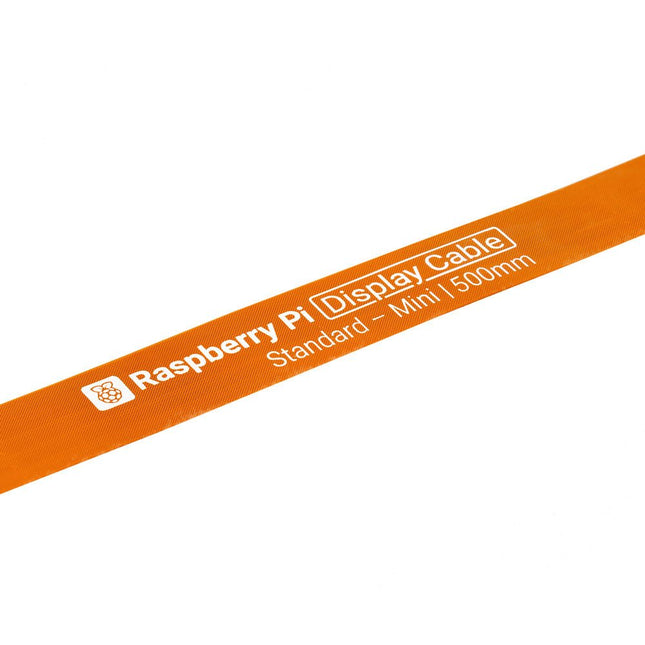
  •  -51% FPC Display Cable for Raspberry Pi 5 (500 mm) - Elektor

    Raspberry Pi Foundation FPC Display Cable for Raspberry Pi 5 (500 mm)

    Raspberry Pi 5 provides two four-lane MIPI connectors, each of which can support either a camera or a display. These connectors use the same 22-way, 0.5 mm-pitch “mini” FPC format as the Compute Module Development Kit, and require adapter cables to connect to the 15-way, 1 mm-pitch “standard” format connectors on current Raspbery Pi camera and display products.These mini-to-standard adapter cables for cameras and displays (note that a camera cable should not be used with a display, and vice versa) are available in 200 mm, 300 mm and 500 mm lengths.

    € 3,95€ 1,95

    Members identical

  •  -50% Waveshare SC3336 3 MP Camera Module (B) - Elektor

    Waveshare Waveshare SC3336 3 MP Camera Module (B)

    This camera module adopts a SmartSens SC3336 sensor chip with 3 MP resolution. It features high sensitivity, high SNR, and low light performance and it is capable of a more delicate and vivid night vision imaging effect, and can better adapt to ambient light changes. Also, it is compatible with Luckfox Pico series boards. Specifications Sensor Sensor: SC3336 CMOS size: 1/2.8" Pixels: 3 MP Static resolution: 2304x1296 Maximum video frame rate: 30fps Shutter: Rolling shutter Lens Focal length: 3.95 mm Aperture: F2.0 FOV: 98.3° (diagonal) Distortion: <33% Focusing: Manual focus Downloads Wiki

    € 16,95€ 8,50

    Members identical

  •  -50% THine Camera Cable Extension Kit for Raspberry Pi (THSER102) - Elektor

    THine Solutions THine Camera Cable Extension Kit for Raspberry Pi (THSER102)

    THSER102 is a plug-and-play cable extension kit for Raspberry Pi Camera Modules. The kit is compatible with Raspberry Pi Camera Module 3, in addition to Camera V2 (version 2.1), HQ/Global Shutter Camera, and defined modes of the Raspberry Pi Camera Module V1.3. The THSER102 extends the cable length for >10 meters between the Raspberry Pi Camera Module and the Computer with a standard LAN Cable. There is no need for software or coding. THSER102 works as if the Raspberry Pi Camera were directly connected to the computer. The THSER102 also supports advanced applications. HAT on HAT support allows to use another HAT board on top of THSER102 Rx Board. 3ch GPIO Extension allows extending GPIO communication between the camera location and the computer. Features Supporting all Raspberry Pi Camera Modules including Camera Module 3 >10-meter Cable Extension Plug and Play No software configuration is needed. Camera works as if THSER102 not exists. Advanced Applications Supported HAT on HAT 3ch GPIO Extension Included 1x Tx Board 1x Rx Board 1x LAN Cable (2 m) 2x Flat Flex Cables 1x Pin Header 6x Mounting Screws for Rx Board 3x Longer Spacers for Rx Board 4x Mounting screws for Tx Board (for Camera V2 only) 4x Shorter Spacers for Tx Board (for Camera V2 only) 4x Mounting Nuts for Tx Board (for Camera V2 only) Downloads Datasheet

    € 84,95€ 42,50

    Members identical

Raspberry Pi Camera

Raspberry Pi Cameras are indispensable tools for makers and hobbyists involved in electronics and technology. These cameras offer a range of possibilities, from taking photos and videos to building smart security cameras, robots and creating impressive time-lapse videos.

By understanding the different applications of the Pi Cameras and learning how to use them, creators can take their projects to the next level and unleash their creativity.

These are the best-selling Raspberry Pi Cameras

Sharper and detailed with 12 megapixel Pi camera

The Raspberry Pi High Quality Camera offers sharper and more detailed images with its higher resolution of 12 megapixels. Thanks to the higher sensitivity, the camera offers better performance in low light, making the camera useful in various conditions.

In addition, the camera is compatible with all models of Raspberry Pi, which is easy to use and applicable to various projects. Thanks to the ability to adapt the lens to the specific needs of the project, the Raspberry Pi High Quality Camera offers a lot of flexibility.

Raspberry Pi High Quality Camera

The Raspberry Pi High Quality Camera has higher resolution and sensitivity than the existing Camera Module v2, and is designed to work with interchangeable lenses for more flexibility in use.

Raspberry Pi Camera Module 3

The Raspberry Pi Camera Module 3 offers high resolution and vivid images with HDR, fast and accurate autofocus and easy integration into projects thanks to its CSI-2 serial data output.

If you need wider viewing angles, choose the Module 3 Wide. This Raspberry camera is available in a wide-angle variant for wider viewing angles

Rugged and adjustable mount for the Raspberry Pi Camera Module

The Adjustable Raspberry Pi Camera Mount & Protector is a robust and adjustable mount for the Raspberry Pi Camera Module, with 'sandwich' plates that protect the camera lens from damage.

With the easily adjustable mount and 1/4-inch hole for tripod mounting, stable placement of the camera is easy to achieve. The stable 4-leg base ensures reliable placement of the camera.

This is how to connect your Pi Camera to your Raspberry Pi

Connecting your camera to your Raspberry Pi is very easy with these 11 steps:

  1. Make sure your Raspberry Pi board is turned off and not connected to a power source.
  2. Locate the camera connection on the Raspberry Pi board. Depending on the type of board, this connection may differ.
  3. Remove the plastic covering on the camera connector and make sure the metal pins are visible.
  4. Connect the camera connector to the connection on the Raspberry Pi board.
  5. Turn on the Raspberry Pi and open the terminal window.
  6. Run the command "sudo raspi-config" to open the configuration settings.
  7. Select "Interface Options" and then "Camera" to enable the camera interface.
  8. Select "Finish" to exit the configuration settings and restart the system.
  9. Test the camera by opening the terminal and running the command "raspistill -o test.jpg". This will take a photo and save it as "test.jpg" in the current folder.
  10. If the camera is properly connected and configured, you should be able to open and view the photo.

Note: Certain projects may require you to install additional software or adjust camera configuration settings. In that case, it is advisable to consult the documentation and manuals of the project or application in question. This way you can be sure that you follow the right steps and make optimal use of your Raspberry Pi camera.

Improve the image quality of your Pi Camera

With these three useful tips you can improve the image quality of your Pi Camera yourself.

Tip 1: Ensure good lighting

Good lighting is crucial to create sharp and clear images. Make sure there is sufficient light in the room and avoid bright light sources that can blind the camera. Also consider using additional lighting, such as LED strips, to improve exposure.

Tip 2: Adjust the camera settings

The Raspberry Pi camera has several settings that you can adjust to improve image quality. Experiment with exposure, contrast, sharpness and white balance to find the best settings for your project.

Tip 3: Increase the resolution

The Raspberry Pi camera supports various resolutions, including 1080p and 720p. By increasing the resolution, you can create sharper and more detailed images. So consider increasing the resolution for better image quality.

Buy your Raspberry Pi Camera at Elektor

With us you are assured of Raspberry Pi's that come directly from the manufacturer/developer and are not obtained through intermediaries. In addition, new products are immediately available from stock on the day of publication. By eliminating the middleman, we can offer you the Raspberry Pi and other official accessories at the most attractive prices.

Login

Forgot password?

Don't have an account yet?
Create account