
Search results for "mikrocontroller OR 2 OR pdf OR de"
-
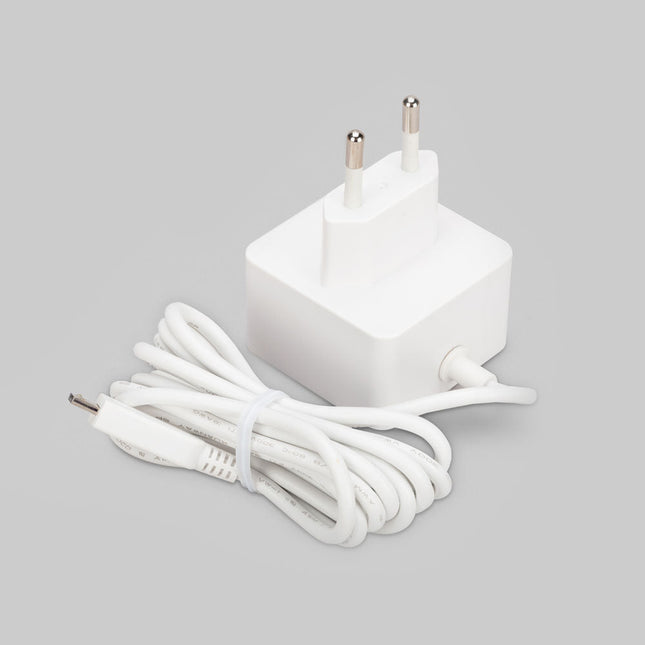
Raspberry Pi Foundation Official Micro-USB Power Supply for Raspberry Pi
Official Micro-USB Power Supply for Raspberry Pi (12.5 W) Input: 100-240 VAC Output: 5.1 V / 2.5 A power supply Connector: micro USB Length: 1.5 m
-
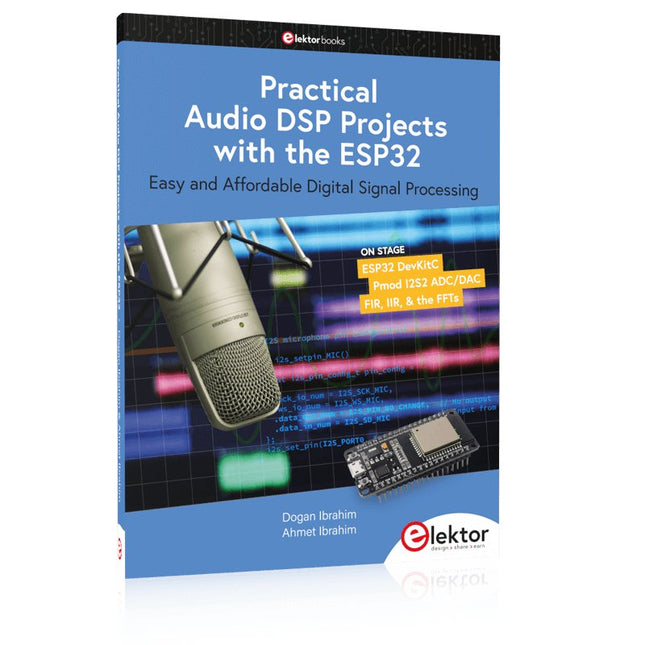
Elektor Publishing Practical Audio DSP Projects with the ESP32
Easy and Affordable Digital Signal Processing The aim of this book is to teach the basic principles of Digital Signal Processing (DSP) and to introduce it from a practical point of view using the bare minimum of mathematics. Only the basic level of discrete-time systems theory is given, sufficient to implement DSP applications in real time. The practical implementations are described in real time using the highly popular ESP32 DevKitC microcontroller development board. With the low cost and extremely popular ESP32 microcontroller, you should be able to design elementary DSP projects with sampling frequencies within the audio range. All programming is done using the popular Arduino IDE in conjunction with the C language compiler. After laying a solid foundation of DSP theory and pertinent discussions on the main DSP software tools on the market, the book presents the following audio-based sound and DSP projects: Using an I²S-based digital microphone to capture audio sound Using an I²S-based class-D audio amplifier and speaker Playing MP3 music stored on an SD card through an I²S-based amplifier and speaker Playing MP3 music files stored in ESP32 flash memory through an I²S-based amplifier and speaker Mono and stereo Internet radio with I²S-based amplifiers and speakers Text-to-speech output with an I²S-based amplifier and speaker Using the volume control in I²S-based amplifier and speaker systems A speaking event counter with an I²S-based amplifier and speaker An adjustable sinewave generator with I²S-based amplifier and speaker Using the Pmod I²S2 24-bit fast ADC/DAC module Digital low-pass and band-pass real-time FIR filter design with external and internal A/D and D/A conversion Digital low-pass and band-pass real-time IIR filter design with external and internal A/D and D/A conversion Fast Fourier Transforms (FFT)
-
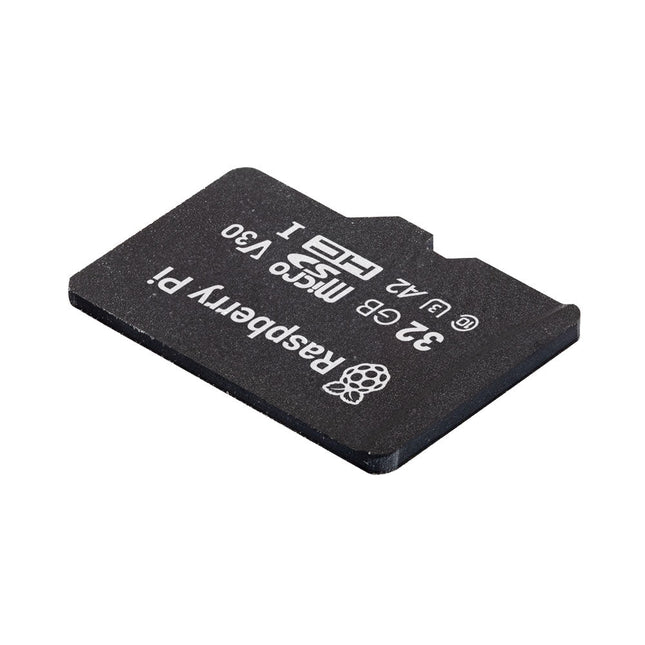
Raspberry Pi Foundation Raspberry Pi A2 SD Card pre-installed with Raspberry Pi OS (32 GB)
SD card quality is crucial for a good Raspberry Pi experience. Raspberry Pi's A2 microSD cards support higher bus speeds and command queuing, improving random read performance and narrowing the gap with NVMe SSDs. These cards are rigorously tested for optimal performance with Raspberry Pi models. Features Capacity: 32 GB Support for DDR50 and SDR104 bus speeds and command queueing (CQ) extension Speed Class: C10, U3, V30, A2 Random 4 KB read performance: 3,200 IOPS (Raspberry Pi 4, DDR50) 5,000 IOPS (Raspberry Pi 5, SDR104) Random 4 K write performance: 1,200 IOPS (Raspberry Pi 4, DDR50) 2,000 IOPS (Raspberry Pi 5, SDR104) Shock-proof, X-ray–proof, and magnet-proof microSDHC/microSDXC formats Downloads Datasheets
-
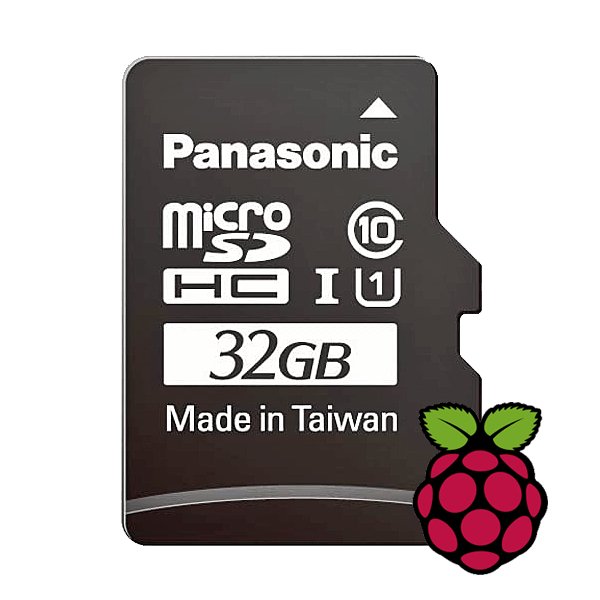
Raspberry Pi Foundation microSD Card pre-installed with Raspberry Pi OS (32 GB)
With this microSD (32 GB) with pre-installed Raspberry Pi OS you can start using your Raspberry Pi right away. Just plug it in and get started!
-
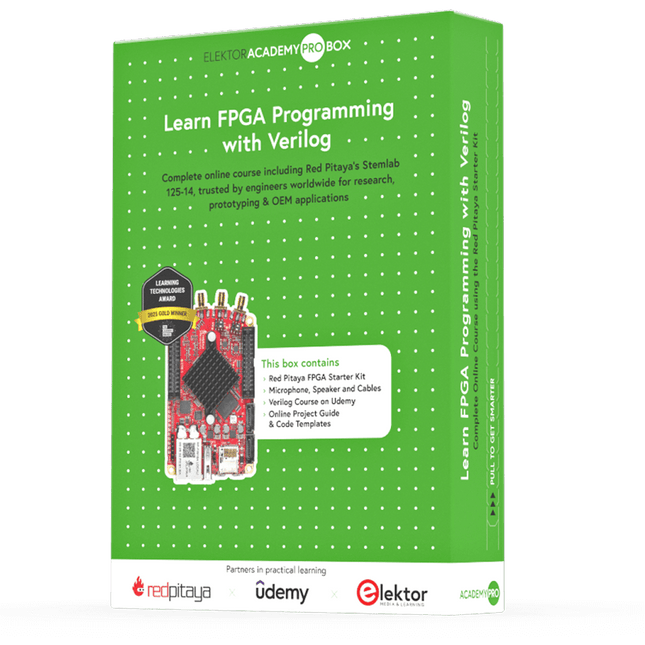
Elektor Academy Pro Learn FPGA Programming with Verilog
Master FPGA programming with the Red Pitaya Academy Pro Box. Learn Verilog and build a real-time audio processing system using Red Pitaya – with a full online course and hands-on project materials. The Academy Pro Box "Learn FPGA Programming with Verilog" is a complete learning solution for students, engineers and developers looking to gain hands-on experience with FPGA programming in Verilog. Combining theory with practice, the programme integrates a well-established Udemy course on Verilog fundamentals with nine exclusive practical modules developed by Elektor & Red Pitaya, designed specifically for the Red Pitaya STEMlab platform. Participants work with real hardware – delivered as part of the box – including the Red Pitaya STEMlab 125-14 Starter Kit and essential electronic components, enabling them to apply their knowledge immediately through real-world test setups. This combination of guided theory and structured experimentation ensures not only a strong understanding of FPGA principles, but also the ability to implement and verify designs independently. The box is aimed at professionals and advanced learners who want to go beyond simulation and gain practical skills in digital design. By the end of the programme, participants will have completed working FPGA projects, using industry-relevant tools and workflows – making this a valuable resource for academic & career development and technical innovation. What you’ll learn? Fundamentals of FPGA and Verilog Programming How to simulate, synthesize & implement digital circuits How to interface audio hardware with your FPGA Real-time Digital Signal Processing (DSP) techniques How to build, test, and customize audio filters Perfect for Professionals looking to level up their skills in Digital System Design Designers aiming to accelerate time-to-market for their applications Engineers pushing the boundaries of technological innovation Support when you need it In-depth troubleshooting in the course Community forums & Red Pitaya documentation Udemy Q&A and hardware support email What's inside the Box (Course)? Red Pitaya STEMlab 125-14 Starter Kit (valued at €550) 1x STEMlab 125-14 board 1x USB power supply (EU, UK & US) 1x microSD card (16 GB) with pre-installed OS 1x Ethernet cable Extra: 2x Oscilloscope Probes Extra: 2x SMA to BNC adapters Microphone & speaker set with cables Step-by-step project guide Downloadable code templates and schematics Lifetime access to a complete, self-paced Udemy course on Verilog Learning Material (of this Box/Course) 9 Practical Modules with Red Pitaya ▶ Click here to open Introduction Setting Up the Vivado Development Environment Project Setup & Vivado Integration Synthesis, Implementation & Bitstream Generation FPGA Image Overview First FPGA Projects – LEDs Full Audio Pass-Through Module 5 kHz Low-Pass Filter (4-Pole Cascade) Real-Time Microphone Input → Speaker Output Verilog Course with 28 Lessons on Udemy ▶ Click here to open Installing Vivado Vivado Design Flow Part 1 Vivado Design Flow Part 2 Commonly Asked Question’s from previous Module Fundamentals of Verilog Commonly Asked Question’s from previous Module Modeling Styles Assignment Operators in Verilog FAQ Behavioral Modeling Style Commonly Asked Question's from previous Module Gate Level Modeling Style Switch level Modeling Style Structural Modeling Style Schematic based Design Entry with IP integrator and Xilinx IP's Memories Commonly Asked Question's from previous Module Finite State Machines Commonly Asked Question's from previous Module Writing Testbenches Hardware Debugging with Vivado Required Hardware v File I/0 Projects RTL for Synthesis FPGA Architecture Fundamentals Commonly Asked Question's from previous Module Interview Preparations Next Step What is Elektor Academy Pro? Elektor Academy Pro delivers specialized learning solutions designed for professionals, engineering teams, and technical experts in the electronics and embedded systems industry. It enables individuals and organizations to expand their practical knowledge, enhance their skills, and stay ahead of the curve through high-quality resources and hands-on training tools. From real-world projects and expert-led courses to in-depth technical insights, Elektor empowers engineers to tackle today’s electronics and embedded systems challenges. Our educational offerings include Academy Books, Pro Boxes, Webinars, Conferences, and industry-focused B2B magazines – all created with professional development in mind. Whether you're an engineer, R&D specialist, or technical decision-maker, Elektor Academy Pro bridges the gap between theory and practice, helping you master emerging technologies and drive innovation within your organization.
