Extra easel boards for AxiDraw V3/A3 can be used as replacements, or for staging additional workpieces for quickly swapping to the next plot. This set consists of one 11.75 x 17 inch (29.85 x 43.18 cm) hardboard platen with rubber feet attached, plus eight micro binder clips.
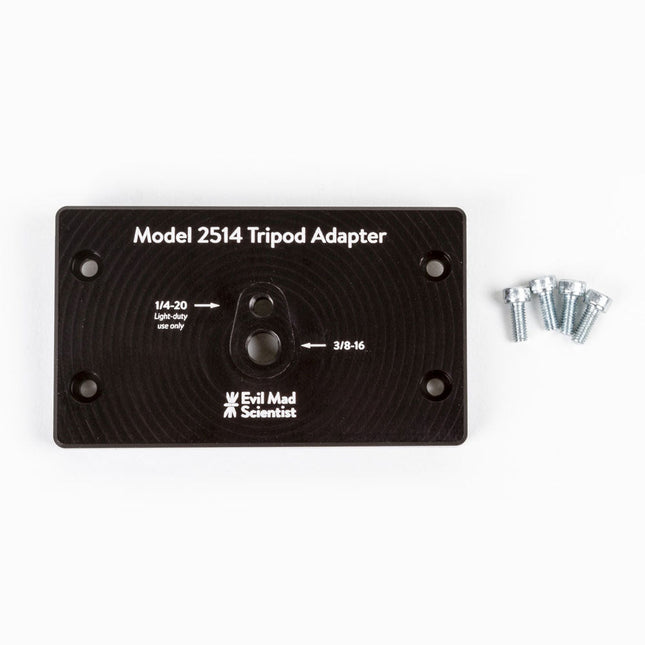
The tripod adapter is custom machined from a solid block of aluminum, and provides two standard tripod mounting points with 3/8-16 and light-duty 1/4-20 thread respectively. This allows you to mount the AxiDraw to a tripod, should you have reason to do so.
We would highly recommend using a sturdy tripod with a 3/8-16 connection point and appropriate counterweight (sand bag, lifting weights, etc) to balance the weight of the AxiDraw while in use.
Installation is straightforward, and does not require any tools other than those included with AxiDraw: Remove the existing foot pads from the AxiDraw (either standard or outrigger feet, depending on model) and attach this plate to the captured nuts in the bottom surface of the AxiDraw. For AxiDraw SE/A3 (April 2019 and newer), the tripod adapter attaches directly to tapped holes in the base of the machine.
This heavy-duty tripod adapter is compatible with AxiDraw V3, AxiDraw V3/A3 and AxiDraw V3 XLX. It is also compatible with AxiDraw SE/A3 manufactured in April 2019 and newer.
Specifications
Material: Anodized 6061-T6 aluminum
Size: 3.90 x 2.36 x 0.35 inches (99.1 x 60 x 8.3 mm)
Weight: Approximately 144 g
Mounting hardware: included (four M4x10 high-strength steel mounting screws)
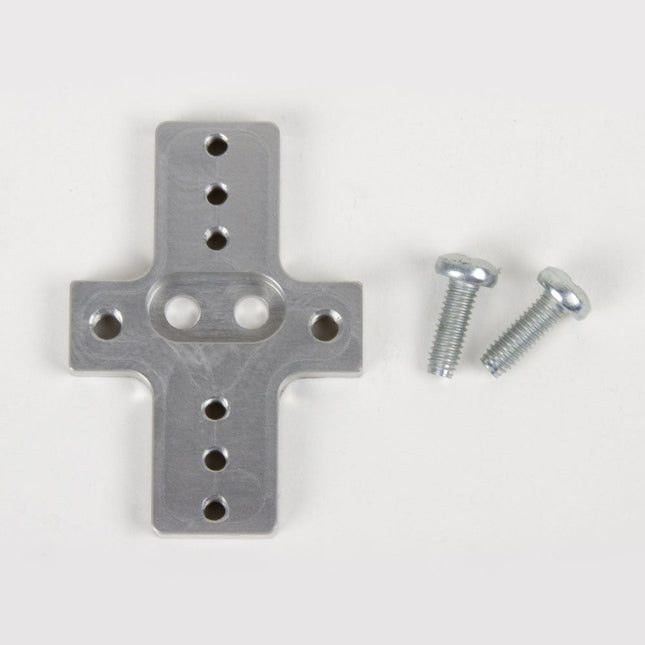
This rigid end effector plate is designed to be in place of the standard AxiDraw pen-lift Z stage, and provides an alternative mounting scheme for mounting various things to the end of the AxiDraw's arm, for applications where greater rigidity is important but the lifting ability of the standard Z stage is not required.
The rigid end effector is custom machined from aluminum, and provides six M3 tapped holes and two M4 tapped holes for mounting what ever it is that you would like to mount to the end of the AxiDraw, to use it as a 2D robot arm. The hole pattern is compatible with the AxiDraw pen clip, so you can, if you like, mount the AxiDraw's pen clip to this end effector.
Installation is straightforward, but requires a Pozidrive PZ2 screwdriver, not included*. Remove the AxiDraw's pen clip, and then remove the pen-lift Z stage by removing two screws with the PZ2 screwdriver. Install the rigid end effector plate in its place, using the two included mounting screws and the PZ2 screwdriver. You may wish to also tie back or fully remove the AxiDraw's cable guides, which normally extend to power the pen-lift stage.
Specifications
Material: Anodized 6061-T6 aluminum
Size: 1.97 x 1.38 x 0.19 inches (50 x 35 x 4.8 mm)
Weight: Approximately 11 g
Mounting hardware: included (Two M4x12 pozidrive-head self-tapping screws)
Compatibility
All AxiDraw V3 family pen plotters
AxiDraw V3/A3
AxiDraw SE/A3
AxiDraw MiniKit models
Design Guide for EMI Filter Design, SMPS & RF Circuits The book focuses on the selection of components, circuitry and layout recommendations for a wide array of magnetics components, always keeping in mind an EMC point of view. Contents Basic principles The most important laws and foundations of inductive components, equivalent circuit diagrams and simulation models give the reader a basic knowledge of electronics. Components This chapter introduces inductive components and their special properties and areas of use. All relevant components are explained, from EMC components and inductors to transformers, RF components, circuit protection components, shielding materials and capacitors. Applications In this chapter, the reader will find a comprehensive overview of the principle of filter circuits, circuitry and numerous industrial applications that are explained in detail based on original examples.
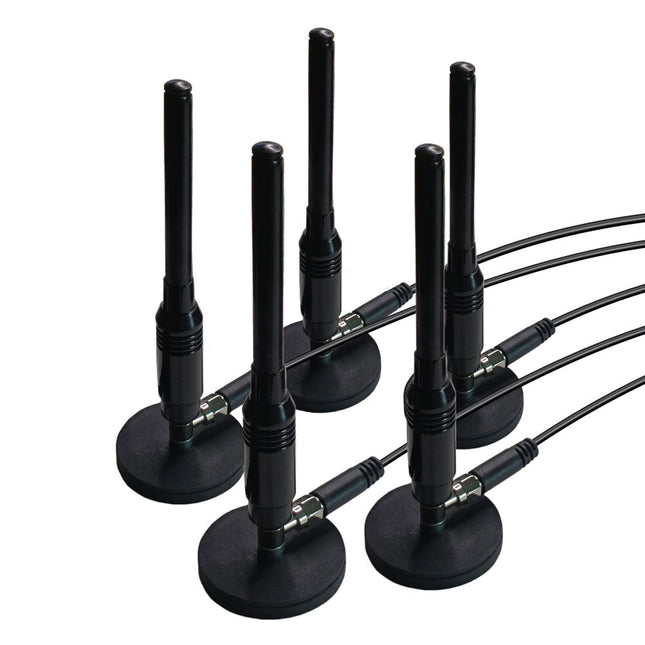
This is a set of five magnetic, telescopic whip antennas – with 100 MHz to 1 GHz tuning range – that can be used with KrakenSDR for direction finding. The magnets are strong and will be secure on the roof of a moving car. It includes a set of five two-meter, LMR100-equivalent coax cables that have been length matched for better performance.
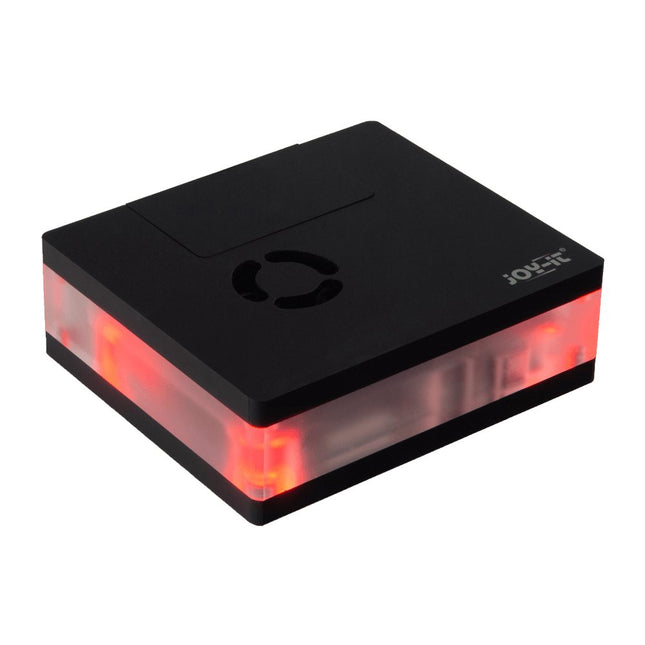
This multimedia case for all Raspberry Pi 4 models is characterized by high functionality, modern design and a sumptuous equipment:
Integrated IR receiver, controllable with almost all IR remote controls
Controllable LED lighting
Switching on/off, controlling additional functions of the Raspberry Pi
Active, quiet cooling
Toolless, magnetic assembly
All connections of the Raspberry Pi are on the backside
GPIO port is accessible via separate lid
Perfect as a multimedia platform in the living room, desktop device or for the use in digital signage.
Specifications
Material
Acryl
Color
Black
Compatible to
Raspberry Pi 4
Power supply
5 VDC (USB-C)
Microcontroller
STM32F030F4P
Infrared receiver
TSOP4838
LEDs
4x WS2812Mini
Led out connections
1x USB-C, 1x Aux, 2x microHDMIFrom Raspberry Pi: 2x USB-A 3.0, 2x USB-A 2.0, 1x RJ45
Weight
280 g
Dimensions
113 x 100 x 38 mm
Scope of delivery
Multimedia case, adapter board, control board, Aux adapter cable
Downloads
Datasheet (177.9 KB)
Manual (3.5 MB)
Expert Guide (6.5 MB)
Firmware v1.0.9-beta (11.2 KB)
Addons for LibreElec 9 (2.6 MB)
Code Examples
Addon - Multimedia Case Configuration
Addon - LED Configuration
Addon - IR Control Configuration
Prepared LibreElec Image
Prepared LibreElec Image 10.BETA
GitHub
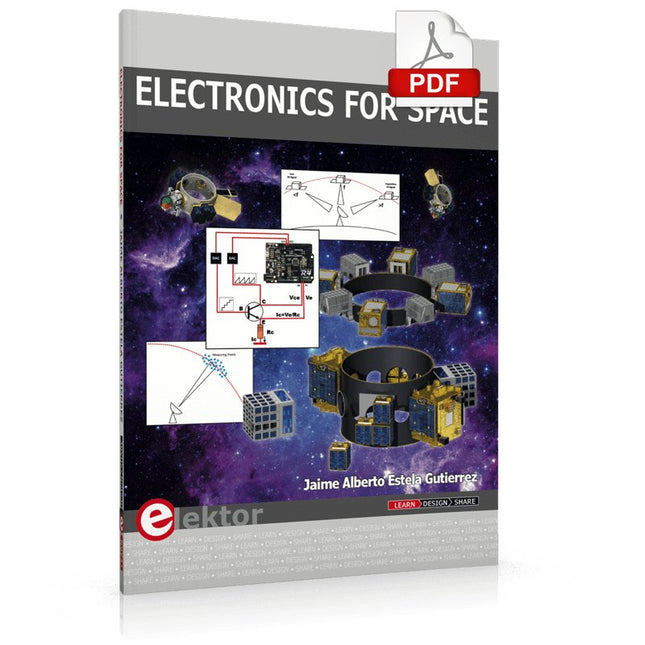
Space, the final frontier, will become more and more popular. The space industry is continually growing and new products and services will be required. Innovation is needed for the development of this industry. Today it is no longer possible to follow all the events in field of space. The space market is growing and activities are increasing, especially the market for small-satellites.
This book wants to help close the gap and encourage electronic engineers to enter into the fascinating field of space electronics. One of the main difficulties is finding people with knowledge of space electronics design. Nowadays companies have to invest a lot of time and resources to instruct electronic engineers with no experience of space. Only a brief and basic introduction of this topic is typically achieved at university in space engineering lectures. Professionals with practical experience and the necessary theoretical knowledge are scarce. Companies from the space sector are searching for staff with knowledge of space electronics.
This book will bring space closer aspiring to the space electronic hobbyists.
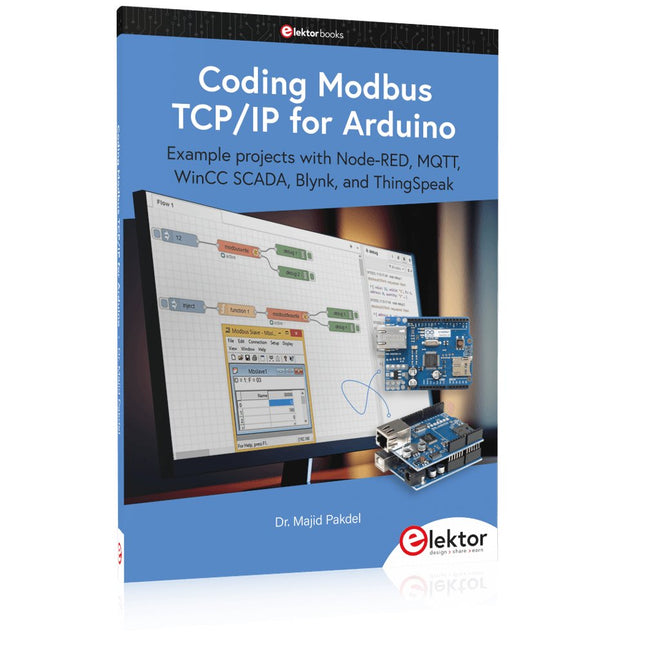
Example projects with Node-RED, MQTT, WinCC SCADA, Blynk, and ThingSpeak
This comprehensive guide unlocks the power of Modbus TCP/IP communication with Arduino. From the basics of the Modbus protocol right up to full implementation in Arduino projects, the book walks you through the complete process with lucid explanations and practical examples.
Learn how to set up Modbus TCP/IP communication with Arduino for seamless data exchange between devices over a network. Explore different Modbus functions and master reading and writing registers to control your devices remotely. Create Modbus client and server applications to integrate into your Arduino projects, boosting their connectivity and automation level.
With detailed code snippets and illustrations, this guide is perfect for beginners and experienced Arduino enthusiasts alike. Whether you‘re a hobbyist looking to expand your skills or a professional seeking to implement Modbus TCP/IP communication in your projects, this book provides all the knowledge you need to harness the full potential of Modbus with Arduino.
Projects covered in the book:
TCP/IP communication between two Arduino Uno boards
Modbus TCP/IP communication within the Node-RED environment
Combining Arduino, Node-RED, and Blynk IoT cloud
Interfacing Modbus TCP/IP with WinCC SCADA to control sensors
Using MQTT protocol with Ethernet/ESP8266
Connecting to ThingSpeak IoT cloud using Ethernet/ESP8266
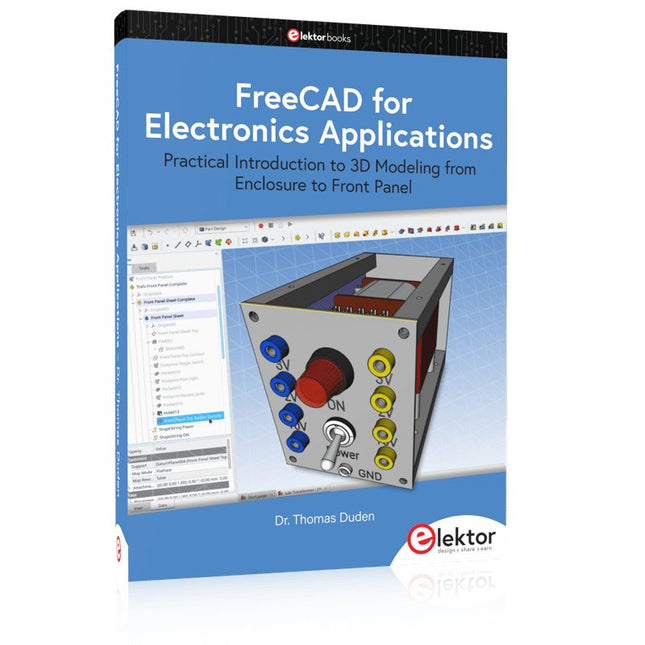
Practical Introduction to 3D Modeling from Enclosure to Front Panel
Embedding a vintage component, creating a professional looking home for a circuit board, or even designing a complex apparatus complete with a chassis – these and many other challenges turn into a stimulating pleasure with FreeCAD. Once you have internalized the basic processes, there are virtually no limits to your imagination.
Starting to use a new software is never straightforward – especially with a tool as versatile as FreeCAD. Manageable, but at the same time easily usable individual components provide the starting point in this book. Putting these components together later results in assemblies.
In the FreeCAD universe, a workable trajectory is demonstrated. The described procedure is illustrative so the examples are easily applied to custom tasks. The devices were made by the author and illustrated with photos.
Creating a 3D design is requiring some effort but the initial investment pays off soon. Besides the impressive spatial representation of the projects, the extracted drawings yield a solid base for documentation and production. Extended FreeCAD capabilities like the unfolding of sheet metal parts enormously add to efficiency and pushes models forward into practical assembly.
Soon you will definitely not want to do without FreeCAD!
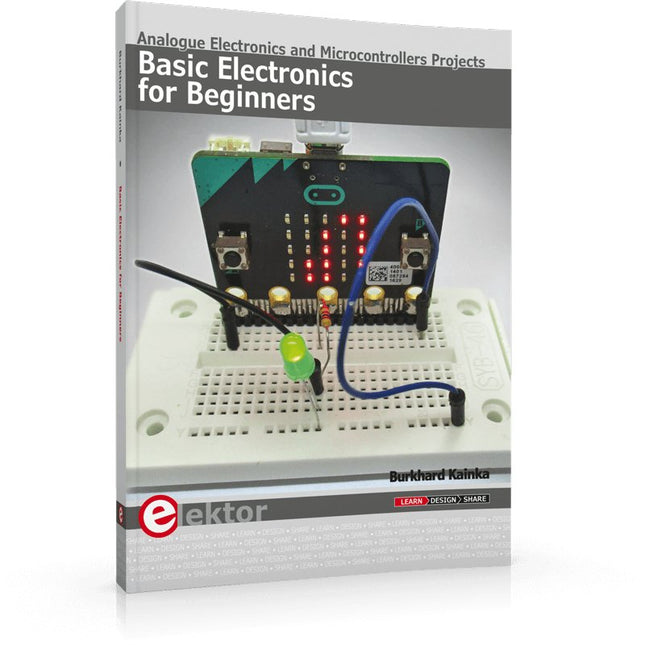
Analogue Electronics and Microcontrollers Projects
Hobbyist electronics can be a fun way to learn new skills that can be helpful to your career. Those who understand the basics of electronics can design their own circuits and projects. However, before you run, you need to learn to walk.
It all starts with analogue electronics. You should be familiar with the simple components and circuits and understand their basic behaviors and the issues you may encounter. The best way to do this is through real experiments. Theory alone is not enough. This book offers a large number of practical entry-level circuits, with which everyone can gain the basic experience.
Through the widespread introduction of microcontrollers, a new chapter in electronics has begun. Microcontrollers are now performing more and more tasks that were originally solved using discrete components and conventional ICs. Starting out has become easier and easier thanks to platforms including Bascom, Arduino, micro:bit. The book introduces numerous manageable microcontroller applications. It’s now a case of less soldering and more programming.
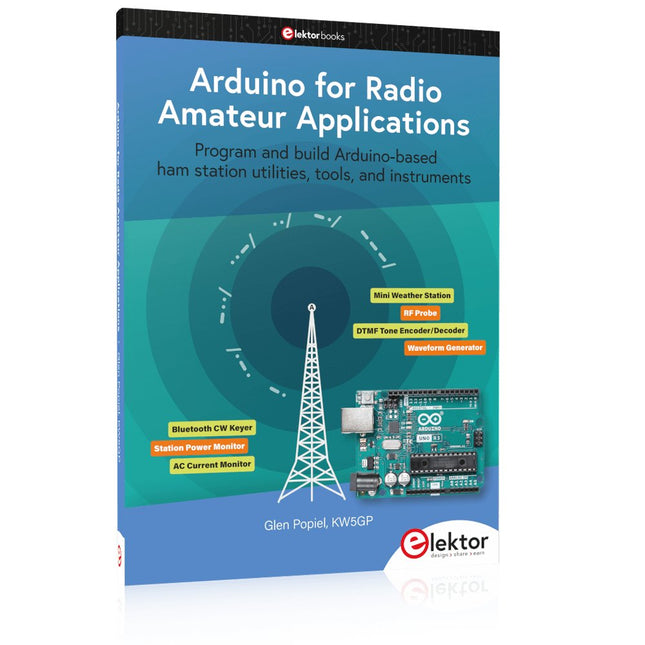
Program and build Arduino-based ham station utilities, tools, and instruments
In addition to a detailed introduction to the exciting world of the Arduino microcontroller and its many variants, this book introduces you to the shields, modules, and components you can connect to the Arduino. Many of these components are discussed in detail and used in the projects included in this book to help you understand how these components can be incorporated into your own Arduino projects. Emphasis has been placed on designing and creating a wide range of amateur radio-related projects that can easily be built in just a few days.
This book is written for ham radio operators and Arduino enthusiasts of all skill levels, and includes discussions about the tools, construction methods, and troubleshooting techniques used in creating amateur radio-related Arduino projects. The book teaches you how to create feature-rich Arduino-based projects, with the goal of helping you to advance beyond this book, and design and build your own ham radio Arduino projects.
In addition, this book describes in detail the design, construction, programming, and operation of the following projects:
CW Beacon and Foxhunt Keyer
Mini Weather Station
RF Probe with LED Bar Graph
DTMF Tone Encoder
DTMF Tone Decoder
Waveform Generator
Auto Power On/Off
Bluetooth CW Keyer
Station Power Monitor
AC Current Monitor
This book assumes a basic knowledge of electronics and circuit construction. Basic knowledge of how to program the Arduino using its IDE will also be beneficial.
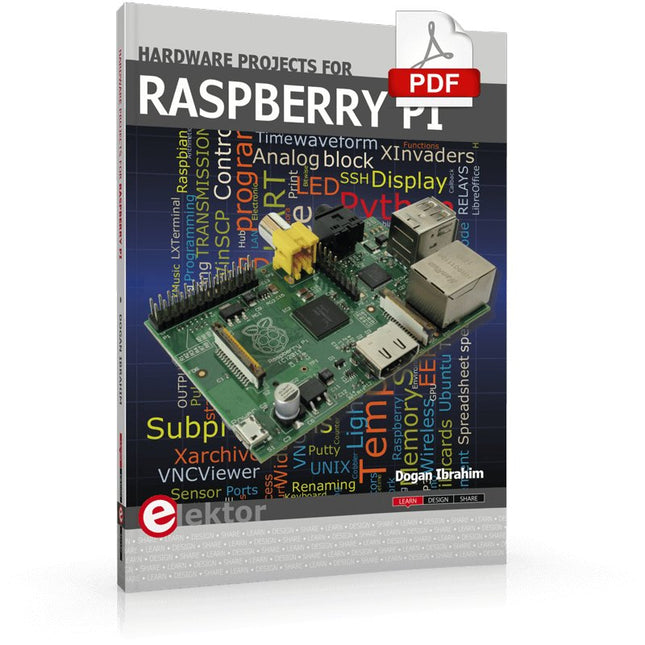
The Raspberry Pi is a $35 credit-card sized computer with many applications, such as in desktop computing, audio and video playback, and as a controller in many industrial, commercial and domestic applications.
This book is about the Raspberry Pi computer and its use in control applications. The book explains in simple terms, with examples, how to configure the RPi, how to install and use the Linux operating system, how to write programs using the Python programming language and how to develop hardware based projects.
The book starts with an introduction to the Raspberry Pi computer and covers the topics of purchasing all the necessary equipment and installing/using the Linux operating system in command mode. Use of the user-friendly graphical desktop operating environment is explained using example applications. The RPi network interface is explained in simple steps and demonstrates how the computer can be accessed remotely from a desktop or a laptop computer.
The remaining parts of the book cover the Python programming language, hardware development tools, hardware interface details, and RPi based hardware projects. All the 23 projects given in the book have been tested and are working.
The following headings are given for each project:
Project title
Project description
Project block diagram
Project circuit diagram
Project program description using the Program Description Language (PDL)
Complete program listing
Description of the program
The book is ideal for self-study, and is intended for electronic/electrical engineering students, practising engineers, research students, and hobbyists.