Learn to Build Intelligent Embedded Systems
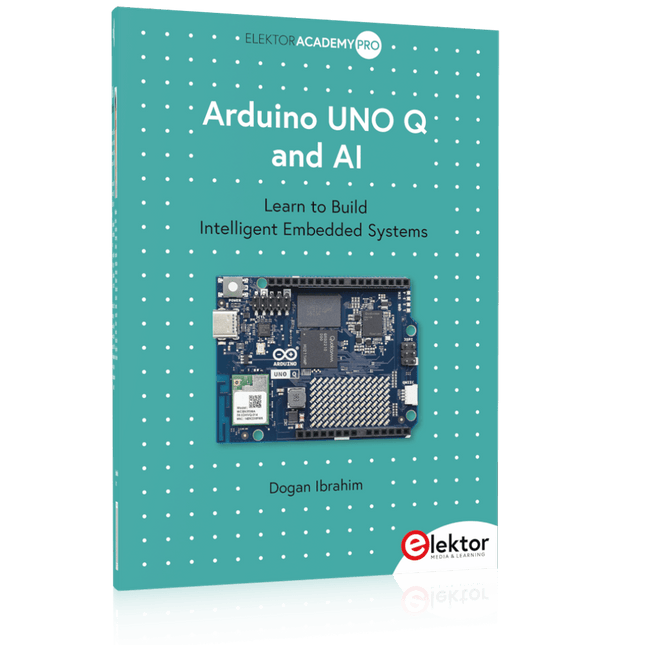
Build smarter embedded systems with Arduino UNO Q. This book gives you the tools, knowledge, and confidence to turn ideas into intelligent, working solutions using the Arduino UNO Q platform. Discover how to build intelligent embedded systems with the Arduino UNO Q and AI.
Unlock the full potential of the Arduino UNO Q, a next-generation platform that combines the real-time power of the STM32U585 microcontroller with the flexibility of a Qualcomm Dragonwing QRB2210 microprocessor.
Learn how to rapidly prototype real-world applications using the Arduino IDE for low-level embedded control and Python in Arduino App Lab for high-level development.
Build confidence through hands-on projects that guide you step by step from basic board features to complete working systems.
Explore ready-to-use, AI based Arduino App Lab examples and see how they can jump-start your development and reduce time to deployment.
Step into the world of Edge AI with a clear, practical introduction to Edge Impulse Studio—no prior AI experience required.
Follow a complete, real-world workflow to create a Keyword Spotting AI application, covering data collection, model training, optimization, and on-device inference using the Edge Impulse Studio.
Bridge the gap between embedded systems and machine learning and learn how to bring intelligence directly onto your hardware.
Perfect for embedded engineers, educators, students, and makers looking to stay ahead in AI-enabled product development.
Una ricca selezione di articoli dal Mondo Elektor!
Gli articoli di questo libro sono una selezione accurata, il "meglio del meglio" di circuiti e progetti recenti, realizzati da tecnici di grande talento provenienti da tutto il mondo.
Nel tipico stile di Elektor, questa raccolta offre qualcosa di interessante per tutti, dai progettisti esperti a coloro che praticano l'elettronica nel tempo libero.
Sommario
Super Servo TesterProva Fino a Quattro Servocomandi, Stand-Alone o in Sistema
The TubeUn Insolito Amplificatore a Valvole
Cloc 2.0La Sveglia che Avete Sempre Desiderato
Stazione Meteo LoRa Low-PowerCostruitevi una Stazione Meteorologica “Long Range”
Uscita Video con Microcontrollori (Parte 1)Video Composito
Uscita Video con Microcontrollori (Parte 2)Uscita VGA e DVI
Un Raspberry Pi Pico come Analizzatore di SpettroFFT su Base Hardware a Basso Costo
PIC O’Clock – In Contatto col TempoProgettare un Ricevitore di Segnali Orari SDR
Frequenzimetro di Rete ACMisura Frequenza e Tensione della Rete Elettrica
Generatore di Funzioni con Arduino NanoNano + Codice = Generatore di Funzioni
Monitor CO2Un Approccio Fai-Da-Te per Il Controllo della Qualità dell‘Aria
ChatMagLevLa Levitazione Magnetica con AI
Alimentatore Lineare Variabile Combinato0…50 V / 0…2 A con Struttura Simmetrica Duale
Ricevitore Digitale FM con Arduino e TEA5767Restate in Ascolto con un Arduino Nano
Protezione Antigelo per Piante da FruttoCon Registrazione della Temperatura
Carico Elettronico con Generatore di clock IntegratoPer Collaudare Alimentatori, Convertitori di Tensione e Batterie
128 Termostato Web con ESP32Mantieni il Vino alla Giusta Temperatura
Iniezione di Segnali e di Potenza......per Rilevare le Interruzioni nei Cavi
DIY LiPo Supercharger KitDal Prototipo al Mercato di Massa
Livella Digitale con Stroboscopio AttivoCalibra il Tuo giradischi con Questo Strumento "Tutto-in-Uno"
The Game of Life – 262.144 Modi di GiocareDal Progetto di un Lettore
Rilevatore di PerditeCollegato ad Arduino Cloud
Orologio di LissajousL’Incedere del Tempo con le Figure di Lissajous
Mastermind – Controllato da ArduinoUna Versione Moderna del Classico Gioco di Decifrazione
Generatore Audio Analogico 1 kHzOnda Sinusoidale a Bassa Distorsione
Aggiorna il tuo Caricabatteria (Parte 1)Non Buttarlo, Modificalo!
Aggiorna il tuo Caricabatteria (Parte 2)Non Buttarlo, Modificalo!
Sistemi GNSS RTK a Basso CostoCon Accuratezza a Livello Centimetrico
Esperimenti a 10 GHz con LNB Satellitari ModificatiSbloccare la Banda X a Basso Costo
Telecamera per FerromodellismoInstalla un Modulo ESP32 CAM a Bordo!
Monitor di Tensione con MicrocontrolloreProtezione dalla Scarica Profonda per Batterie e Altro
Nodo Sensore AutonomoTrasmissione Dati LoRa con Alimentazione a Batterie Solari
Layout e Sicurezza sul PCBConsigli per un Progetto Sicuro e Durevole
Based on PIC microcontrollers and Arduino
Every mobile phone includes a GSM/GPRS modem which enables the phone to communicate with the external world. With the help of the GSM modems, users can establish audio conversations and send and receive SMS text messages. In addition, the GPRS modem enables users to connect to the internet and to send and receive large files such as pictures and video over the internet.
This book is aimed for the people who may want to learn how to use the GSM/GPRS modems in microcontroller based projects. Two types of popular microcontroller families are considered in the e-book: PIC microcontrollers, and the Arduino. The highly popular mid-performance PIC18F87J50 microcontroller is used in PIC based projects together with a GSM Click board. In addition, the SIM900 GSM/GPRS shield is used with the Arduino Uno projects. Both GSM and GPRS based projects are included in the e-book.
The book will enable you to control equipment remotely by sending SMS messages from your mobile phone to the microcontroller, send the ambient temperature readings from the microcontroller to a mobile phone as SMS messages, use the GPRS commands to access the internet from a microcontroller, send temperature readings to the cloud using UDP and TCP protocols and so on.
It is assumed that the reader has some basic working knowledge of the C language and the use of microcontrollers in simple projects. Although not necessary, knowledge of at least one member of the PIC microcontroller family and the Arduino Uno will be an advantage. It will also be useful if the user has some knowledge of basic electronics.
Elektor GREEN en GOLD leden kunnen deze uitgave hier downloaden.
Nog geen lid? Klik hier om een lidmaatschap af te sluiten.
OBD2-sensordashboardOude meters vormden het startpunt van een zoektocht naar echte gegevens
OBD2: voeg een toerenteller en schakelindicator toe aan je autoRetro, maar uiterst nuttig
LiDAR- en Visiesensoren voor Robotica
Sensor+Test 2025 en PCIM 2025
Contactloze E-Veldmetingen (1)Een Trillende Membraan voor het Detecteren van Gelijkspanningen of Statische Elektrische Velden
Draadloze brievenbusmeldervan optische sensoren tot radar: enkele mogelijkheden
Elektor Mini-Wheelieeen zelfbalancerende robot
ZonnecellenVreemde onderdelen, de serie
Aan de slag met een moderne radarsensorStaat een nauwkeurige meting op uw radar?
Uit het leven gegrepenpapierfabriek
CybersecurityZware tijden voor hackers
Infographics: IoT en sensoren 2025
Bluetooth 6.0 brengt verbeterde toepassingen voor afstandsbepalingNieuwe versie biedt betere apparaatpositionerings- en -locatieservices
Draadloze communicatie verkennen met BeagleY-AI
Err-lectronicsCorrecties, updates en lezerspost
Alle begin......sluit het thema opamps af
Een krachtige AI-codeerassistentsneller ontwikkelen met Continue en Visual Studio Code
Zonne-laadregelaar met MPPT (2)Het schema
Ultrasone obstakeldetectoreen eenvoudig project om slechtzienden te helpen
2025: Een AI-odysseeHalfjaaroverzicht
Raspberry Pi Standalone MIDI-synthesizer (3)Het slimmer maken en een gebruikersinterface toevoegen
Meshtastic: een demonstratieprojectEen slim netwerk van LoRa-radio's
Analoge audio-frequentiegeneratorHoogwaardige sinusgenerator met instelbare frequentie
Het boek “Sensoren aan de Raspberry Pi” richt zich tot iedereen die zich wil verdiepen in een Raspberry Pi in combinatie met Windows 10 IoT Core. Dit besturingssysteem biedt samen met een RPi weliswaar veel rekenkracht, maar voor de communicatie met de buitenwereld zijn nog externe modules en sensoren nodig. Daartoe wordt in dit boek gebruik gemaakt van een sensor-kit met 35 modules die nog geen 60 euro kost.
Auteur Florian Schäffer begint zijn boek met de introductie van de Raspberry Pi en hij beschrijft welke hardware u nodig hebt om met de RPi te kunnen werken. Dan volgt een eerste kennismaking met Windows 10 IoT Core. Daarna wordt dieper ingegaan op het gebruik van Visual Studio 2015 en worden de eerste programmeervoorbeelden beschreven. Ook wordt uitgelegd hoe een MySQL-databank kan worden aangestuurd via een app en hoe de als webserver kan worden ingezet.
In het tweede deel worden de sensoren stuk voor stuk beschreven met hun eigenschappen en worden er veel toepassingsvoorbeelden gegeven. De source-codes van de programma’s zijn als download bij het boek beschikbaar. Tot slot wordt nog aandacht besteed aan het gebruik van druktoetsen en schakelaars, en het werken met digitale uitgangen en analoge ingangen.
Developing CoAP applications for Thread networks with Zephyr
This book will guide you through the operation of Thread, the setup of a Thread network, and the creation of your own Zephyr-based OpenThread applications to use it. You’ll acquire knowledge on:
The capture of network packets on Thread networks using Wireshark and the nRF Sniffer for 802.15.4.
Network simulation with the OpenThread Network Simulator.
Connecting a Thread network to a non-Thread network using a Thread Border Router.
The basics of Thread networking, including device roles and types, as well as the diverse types of unicast and multicast IPv6 addresses used in a Thread network.
The mechanisms behind network discovery, DNS queries, NAT64, and multicast addresses.
The process of joining a Thread network using network commissioning.
CoAP servers and clients and their OpenThread API.
Service registration and discovery.
Securing CoAP messages with DTLS, using a pre-shared key or X.509 certificates.
Investigating and optimizing a Thread device’s power consumption.
Once you‘ve set up a Thread network with some devices and tried connecting and disconnecting them, you’ll have gained a good insight into the functionality of a Thread network, including its self-healing capabilities. After you’ve experimented with all code examples in this book, you’ll also have gained useful programming experience using the OpenThread API and CoAP.
Discover endless creativity with the Universal Maker Sensor Kit, designed for use with Raspberry Pi, Pico W, Arduino, and ESP32. This versatile kit offers compatibility across popular development platforms, including Arduino Uno R4 Minima/WiFi, Uno R3, Mega 2560, Raspberry Pi 5, 4, 3B+, 3B, Zero, Pico W, and ESP32.
Featuring over 35 sensors, actuators, and displays, it's perfect for projects ranging from environmental monitoring and smart home automation to robotics and interactive gaming. Step-by-step tutorials in C/C++, Python, and MicroPython guide beginners and experienced makers alike through 169 exciting projects.
Features
Wide Compatibility: Fully supports Arduino (Uno R3, Uno R4 Minima/WiFi, Mega 2560), Raspberry Pi (5, 4, 3B+, 3B, Zero, Pico W), and ESP32, enabling extensive flexibility across numerous development platforms. Includes instructions for building 169 projects.
Comprehensive Components: Features more than 35 sensors, actuators, and display modules suitable for diverse projects such as environmental monitoring, smart home automation, robotics, and interactive game controllers.
Detailed Tutorials: Provides clear, step-by-step tutorials covering Arduino, Raspberry Pi, Pico W, ESP32, and each included component. Tutorials are available in C/C++, Python, and MicroPython, catering effectively to both beginners and experienced makers.
Suitable for All Skill Levels: Offers structured projects designed to guide users seamlessly from beginner to advanced proficiency in electronics and programming, enhancing creativity and technical expertise.
Included
Breadboard
Button Module
Capacitive Soil Moisture Module
Flame Sensor Module
Gas/Smoke Sensor Module (MQ2)
Gyroscope & Accelerometer Module (MPU6050)
Hall Sensor Module
Infrared Speed Sensor Module
IR Obstacle Avoidance Sensor Module
Joystick Module
PCF8591 ADC DAC Converter Module
Photoresistor Module
PIR Motion Module (HC-SR501)
Potentiometer Module
Pulse Oximeter and Heart Rate Sensor Module (MAX30102)
Raindrop Detection Module
Real Time Clock Module (DS1302)
Rotary Encoder Module
Temperature Sensor Module (DS18B20)
Temperature and Humidity Sensor Module (DHT11)
Temperature, Humidity & Pressure Sensor (BMP280)
Time of Flight Micro-LIDAR Distance Sensor (VL53L0X)
Touch Sensor Module
Ultrasonic Sensor Module (HC-SR04)
Vibration Sensor Module (SW-420)
Water Level Sensor Module
I²C LCD 1602
OLED Display Module (SSD1306)
RGB LED Module
Traffic Light Module
5 V Relay Module
Centrifugal Pump
L9110 Motor Driver Module
Passive Buzzer Module
Servo Motor (SG90)
TT Motor
ESP8266 Module
JDY-31 Bluetooth Module
Power Supply Module
Documentation
Online Tutorial
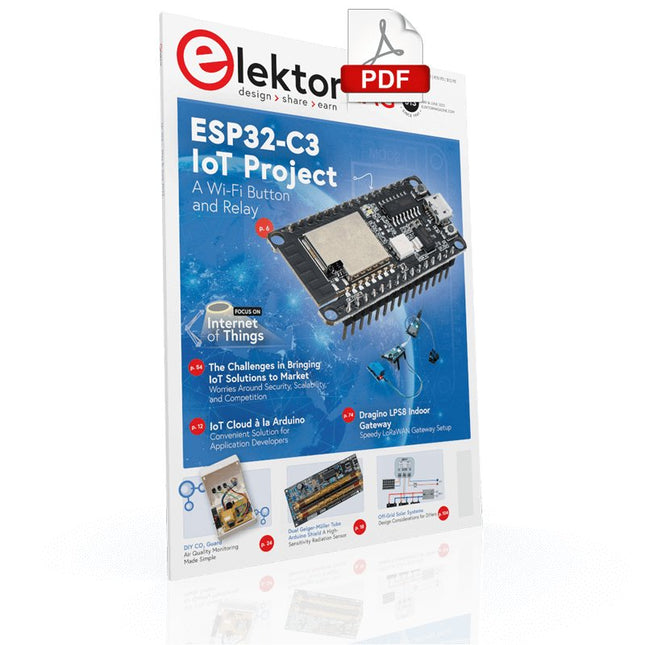
Your First Steps with an ESP32-C3 and the IoTA Wi-Fi Button and Relay IoT Cloud a la Arduino
Dual Geiger-Müller Tube Arduino ShieldA High Sensitivity, Very Low-Power Radiation Sensor
CO2 GuardA DIY Approach to Monitoring Air Quality
MonkMakes Air Quality Kit for Raspberry PiMeasures Temperature and eCO2
Starting Out in ElectronicsWelcome to the Diode
Tips & Tricks for Testing ComponentsNo Expensive Equipment Required
Reducing the Power Consumption of Your Mole RepellerAn ATtiny13 Replaces a 555
Light Switch DeLuxA Solution for High-Precision Light-Controlled Switching
The Challenges in Bringing IoT Solutions to MarketWorries Around Security, Scalability, and Competition Infographics 5-6/2022
Preferably Wired After AllTips for Developing a 1 Gbit/s Interface in an Industrial Environment Bringing Real-Time Object Detection to MCUs with Edge Impulse FOMO
Traveling-Wave TubesPeculiar Parts, the Series
Narrowband Internet of ThingsStandards, Coverage, Agreements, and Modules
Dragino LPS8 Indoor GatewaySpeedy LoRaWAN Gateway Setup
Explore ATtiny Microcontrollers Using C and Assembly LanguageSample Chapter: ATtiny I/O Ports
Err-lectronicsCorrections, Updates and Readers’ Letters
LoRa GPS Tracker UpdateReceive and Show Location Using a Raspberry Pi
Circuit Simulation with TINA Design Suite & TINACloudSample Chapter: Sinusoidal Oscillators
From Life’s ExperienceAssembly Line Work
The WinUI Graphics Framework for Windows AppsA Small Demo Application
GUIs with PythonWorst GUI of the world
Off-Grid Solar SystemsElectrical Energy Independent of the Mains Grid
The 10-Year SmartphoneRenew Your Expectations
HexadokuThe Original Elektorized Sudoku
Master digital electronics – the hands-on way!
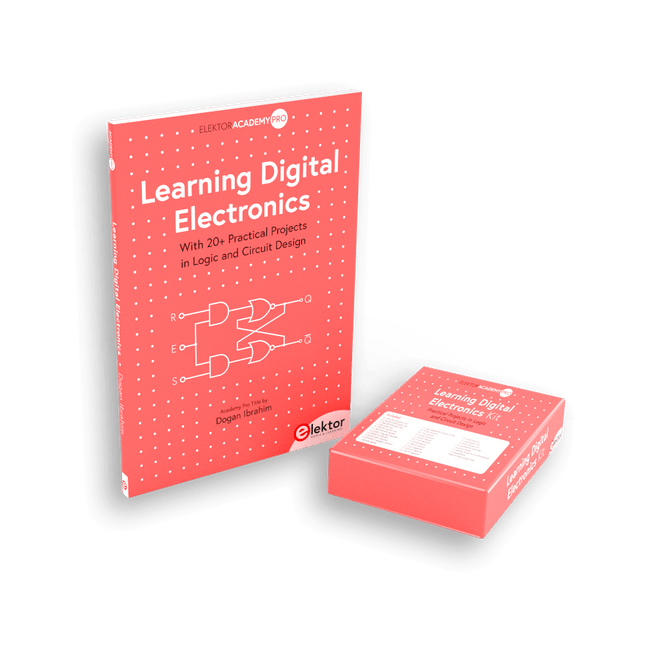
This bundle includes the book Learning Digital Electronics, featuring 20+ practical projects in Logic and Circuit design, as well as a 100-piece kit – so you can start building logic circuits, counters, displays, and more right away.
Learning Digital Electronics (Book)
This book is a practical guide to digital electronics, covering the essential components of modern digital systems: number systems, logic gates, Boolean algebra, combinational and sequential logic, and more.
Through more than 20 structured projects, you’ll design and build digital systems using real-world components such as logic gates, multiplexers, decoders, flip-flops, counters, and shift registers. The projects range from basic LED logic circuits to digital locks, display systems, traffic light controllers, and timing-based designs.
Selected projects introduce the use of tools such as CircuitVerse for circuit simulation, while several designs make use of 74HC-series logic devices, commonly used in digital hardware prototyping.
Inside, you’ll find:
Clear coverage of number systems and binary arithmetic
Logic gate fundamentals and universal gate implementations
Step-by-step projects using flip-flops, counters, and registers
Real-world design with 74HC-series logic chips
Techniques for designing combinational and sequential systems
This book takes a design-first, application-driven approach to digital electronics—built around working circuits, tested logic, and hands-on experimentation.
Learning Digital Electronics (Kit)
This kit has been specially developed to complement the book "Learning Digital Electronics". Since all necessary components are included, you can complete every practical project in the book directly.
Kit contents
2x 74HC08 AND gate chip
2x 74HC00 NAND gate chip
1x 74HC86 XOR gate chip
1x 555 timer chip
1x 74HC161 counter chip
1x 74HC164 shift register
1x CD4511 7-segment decoder
1x CD4027 JK flip-flop
1x BC337 NPN transistor
1x KPS-5161 7-segment common-cathode display
1x Light dependent resistor (LDR)
4x 10 KΩ resistors
8x 1 KΩ resistor
2x 47 KΩ resistors
1x 100 KΩ resistor
4x 2.7 KΩ resistors
1x 5.6 KΩ resistor
1x 150 KΩ resistor
1x 10 μF capacitor
2x 0.01 μF capacitor
2x 100 nF capacitor
8x Small red LED
1x Small green LED
1x Small orange LED
4x Pushbutton switches
1x Active buzzer
1x Battery holder for 3x AA batteries (batteries not included)
1x Breadboard
40x Male-to-male jumper wires (length: 200 mm)
This book covers a series of exciting and fun projects for the Arduino, such as a silent alarm, people sensor, light sensor, motor control, internet and wireless control (using a radio link). Contrary to many free projects on the internet all projects in this book have been extensively tested and are guaranteed to work!
You can use it as a projects book and build more than 45 projects for your own use. The clear explanations, schematics, and pictures of each project make this a fun activity. The pictures are taken of a working project, so you know for sure that they are correct.
You can combine the projects in this book to make your own projects. To facilitate this, clear explanations are provided on how the project works and why it has been designed the way it has That way you will learn a lot about the project and the parts used, knowledge that you can use in your own projects.
Apart from that, the book can be used as a reference guide. Using the index, you can easily locate projects that serve as examples for the C++ commands and Arduino functionality. Even after you’ve built all the projects in this book, it will still be a valuable reference guide to keep next to your PC.
Projects Using Arduino IDE and the LVGL Graphics Library
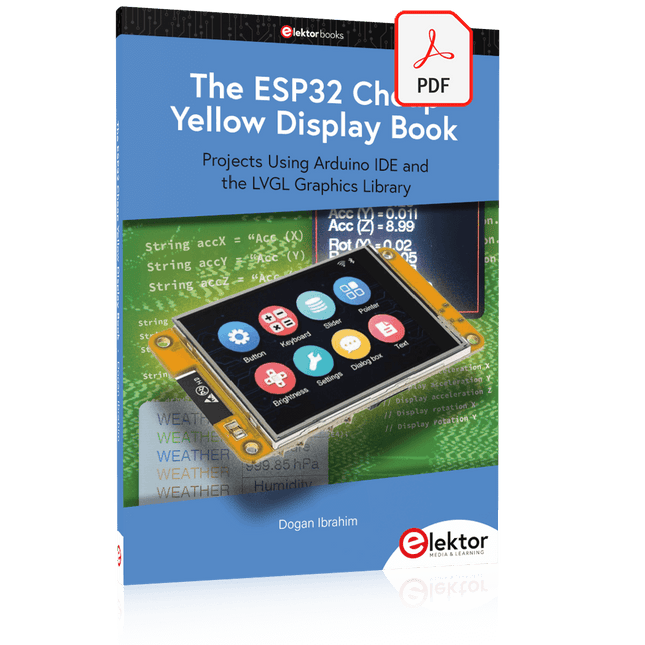
The ESP32 is probably one of the most popular microcontrollers used by many people, including students, hobbyists, and professional engineers. Its low cost, coupled with rich features makes it a popular device to use in many projects. Recently, a board called the ESP32 Cheap Yellow Display (CYD for short) is available from its manufacturers. The board includes a standard ESP32 microcontroller together with a 320x240 pixel TFT display. Additionally, the board provides several connectors for interfaces such as GPIO, serial port (TX/RX), power and Ground. The inclusion of a TFT display is a real advantage as it enables users to design complex graphics-based projects without resorting to an external LCD or graphics displays.
The book describes the basic hardware of the ESP32 CYD board and provides details of its on-board connectors. Many basic, simple, and intermediate-level projects are given in the book based on the ESP32 CYD, using the highly popular Arduino IDE 2.0 integrated development environment. The use of both the basic graphics functions and the use of the popular LVGL graphics library are discussed in the book and projects are given that use both types of approaches.
All the projects given in the book have been tested and are working. The block diagram, circuit diagram, and the complete program listings and program descriptions of all the projects are given with explanations. Readers can use the LVGL graphics library to design highly popular eye-catching full-color graphics projects using widgets such as buttons, labels, calendars, keypads, keyboards, message boxes, spinboxes, sliders, charts, tables, menus, bars, switches, drop-down lists, animations, and many more widgets.
Diese Ausgabe steht allen GOLD- und GREEN-Mitgliedern auf der ElektorMagazine-Website zum Download bereit!
Sie sind noch kein Mitglied? Hier klicken!
Drehscheibentelefon als FernbedienungLicht einschalten, wählen Sie die 1, Kaffeemaschine einschalten, wähle Sie die 2
GPS-gestützte GeschwindigkeitsüberwachungNie mehr rasen, nie mehr Knöllchen!
RGB-Stroboskop mit ArduinoFarbenfrohe Anwendung eines nützlichen Werkzeugs
Drahtloser Notruf-TasterErhöhte Sicherheit mit LoRa
Aller Anfang......muss nicht schwer sein: Folgen Sie dem Emitter!
Beliebige und unabhängige Hysteresestufen für Komparatorenmit Simulationen, Tabellenkalkulationen und etwas Algebra
ESP32-basierter Impedanz-AnalysatorEinfach, wenige Bauteile und preiswert!
Das besondere ProjektErmutigung zum Heimwerken
Mikrocontroller-Praxiskurs für Arduino-Einsteiger mit TrainingsboardAll-in-One-Trainingshardware für den Mikrocontroller-Kurs
Aus dem Leben gegriffenModerner Luddismus
Sensor 1x1: Temperatur-Sensor DS18B20Anschluss am 1-Draht-Bus
Rettet Matter das Smart Home?Neue Standards zur Vereinfachung der Hausautomatisierung
Eine Frage der ZusammenarbeitEntwickeln mit dem Board Thing Plus Matter und dem Simplicity Studio
Infografik: IoT und Sensoren
Matter, ExpressLink, Rainmaker - Worum geht es eigentlich?Interview mit Amey Inamdar von Espressif
Development-Kits für IoT- und IIoT-ApplikationenÜber die Auswahl von Mikrocontroller-Entwicklungsboards
Kondensatoren verhalten sich nicht immer kapazitiv
Eine NTP-Uhr mit CircuitPythonWarum Sie diese Programmiersprache verwenden sollten
Bauen Sie ein cooles IoT-DisplayMit dem Phambili Newt
Der Doppler-Bewegungssensor HB100Theorie und Praxis eines ungewöhnlichen Sensors
Eine Anleitung zur Bare-Metal-ProgrammierungTeil 1: STM32 und andere Controller
Siglent-Multimeter SDM3045X
Mikroprozessoren für eingebettete SystemeBemerkenswerte Bauteile
Mikrocontroller-Dokumentation verstehenTeil 3: Blockdiagramme und mehr
LoRa-Wetterstation mit niedriger StromaufnahmeBauen Sie Ihre entfernte Wetterstation selbst!
Transverter für das 70-cm-Band
Climate Calling EngineersMove Fast and Fix Things
Hexadoku