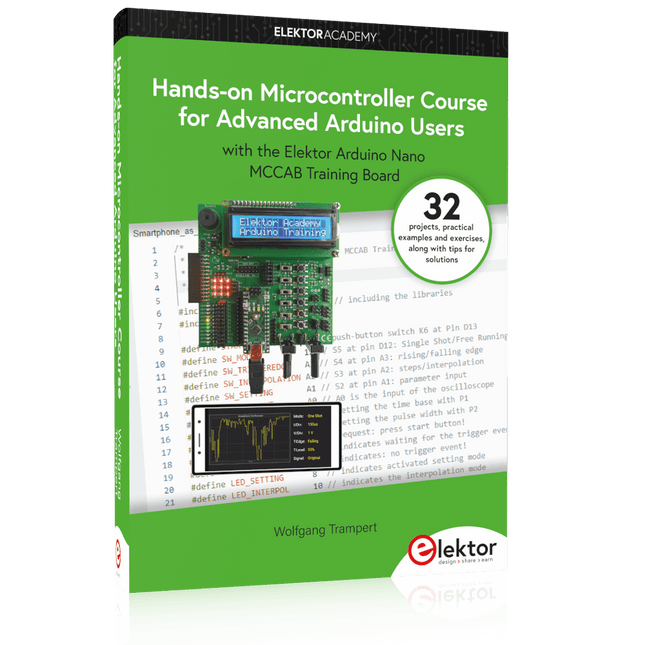
32 new Projects, Practical Examples and Exercises with the Elektor Arduino Nano MCCAB Training Board
Electronics and microcontroller technology offer the opportunity to be creative. This practical microcontroller course provides you with the chance to bring your own Arduino projects and experience such moments of success. Ideally, everything works as you imagined when you switch it on for the first time. In practice, however, things rarely work as expected. At that point, you need knowledge to efficiently search for and find the reason for the malfunction.
In this book for advanced users, we delve deep into the world of microcontrollers and the Arduino IDE to learn new procedures and details, enabling you to successfully tackle and solve even more challenging situations.
With this book, the author gives the reader the necessary tools to create projects independently and also to be able to find errors quickly. Instead of just offering ready-made solutions, he explains the background, the hardware used, and any tools required. He sets tasks in which the reader contributes their own creativity and writes the Arduino sketch themselves.
If you don’t have a good idea and get stuck, there is, of course, a suggested solution for every project and every task, along with the corresponding software, which is commented on and explained in detail in the book.
This practical course will teach you more about the inner workings of the Arduino Nano and its microcontroller. You will get to know hardware modules that you can use to realize new and interesting projects. You will familiarize yourself with software methods such as ‘state machines,’ which can often be used to solve problems more easily and clearly.
The numerous practical projects and exercise sketches are once again realized on the Arduino Nano MCCAB Training Board, which you may already be familiar with from the course book ‘Microcontrollers Hands-on Course for Arduino Starters’, and which contains all the hardware peripherals and operating elements we need for the input/output operations of our sketches.
Readers who do not yet own the Arduino Nano MCCAB Training Board can purchase the required hardware separately, or alternatively, build it on a breadboard.
Elektor GREEN and GOLD members can download their digital edition here.
Not a member yet? Click here.
The Raspberry Pi 5A Huge Improvement From Its Predecessor
AI in the Electronics LabGoogle Bard and Flux Copilot Put to the Test
Arduino Nano Waveform GeneratorNano + Code = Function Generator
Solar-Powered Christmas GarlandAn Eco-Friendly Solution for Garnishing Your Balcony
USB Killer DetectorBetter Safe Than Sorry
A Simple CNCed EnclosureWith Autodesk Fusion 360 for Personal Use
Low-Volume Board ProductionWith and without Assembly
IoT Simulation Simplified with WokwiDeveloper Uri Shaked on Design, Software, and More
A Bare-Metal Programming Guide (Part 3)CMSIS Headers, Automatic Testing, and a Web Server
LoRa, a Swiss Army Knife (2)The Hardware and Software
MEMS Microphone Design and Construction
Tools to Try Before You SolderSimulation and 3D Modeling Tools That Can Be Used for Free
New Tools From Microchip!PICkit 5 and MPLAB ICD 5 Available Now!
Rapid Prototyping of Flexible, Stretchable ElectronicsHow the Voltera NOVA Speeds Up Innovation in Wearable Electronic Systems
Galvanic IsolationUsing Phototransistor Optocouplers Successfully
The Complex Solution or the Anybus Solution?Embedded Industrial Ethernet in 2 Days Rather Than Many Months
Your Essential DFM ChecklistHow to Start Designing for Manufacture
3D Printing FilamentsTypes, Features and Use in Prototyping
Specialists for Effective Signal Analysis from ELF to EHF BandAaronia’s latest real-time SPECTRAN® V6 series spectrum analyzers
Challenges of DFM Analysis for Flex and Rigid-Flex Design
Setting Up an SMT Line
The Right Combination for a Reliable Assembly
Revolutionizing IndustriesThe Rise of Autonomous Mobile Robots (AMRs)
Evolved for More ChallengesRohde & Schwarz Adds Eight-Channel R&S MXO 5 to Next-Generation Oscilloscopes
Starting Out in Electronics……Amplifying Differences
Mini Reflow PlateFor Assembling or Repairing Small SMD Circuits
Don’t Start with a Prototype – Start with a Pretotype!Check That a Market Exists for Your Product Before Warming Your Soldering Iron
2023: An AI OdysseyGetting Help Designing a Physical Project
Brussels Is InnovatingSupport for Deep Tech
Verwirklichen Sie Ihre Projekt-Träume: Der Kilometerzähler fürs Hamsterrad, eine vollautomatische Steuerung Ihrer Ameisenfarm mit Webinterface, oder den Sandwich-O-Mat – eine Maschine, die Sandwich-Toasts nach Wahl belegt und überbackt.
Mit dem Arduino und der DIY- oder Maker-Bewegung wurde nicht nur der Einstieg in die Mikrocontroller-Programmierung kinderleicht, auch eine zweite Entwicklung fand statt: Findige Entwickler brachten kleine Boards – sogenannte Shields oder Module – auf den Markt, die den Einsatz von zusätzlicher Hardware stark vereinfachten. Die kleinen Baugruppen enthalten alle wichtigen elektronischen Teile, um mit ein paar Steckkabeln an den Mikrocontroller angeschlossen zu werden, so dass ein frickeliger und aufwändiger Aufbau auf dem Steckboard entfällt. Zudem ist es so möglich, auch winzig kleine Bauteile zu handhaben, die keine Anschlussbeinchen mehr haben (sogenannte SMDs).
Enthaltene Projekte
Arduino sucht Anschluss
BMP, Einführung in Bibliotheken und I²C
Mit dem Mehrzweck-Shield I/O-Grundlagen kennenlernen
I²C-LCD-Adapter und Punktmatrixanzeigen
LCD Keypad Shield
Level-Konverter
W5100: Internetanbindung
I/O-Erweiterungs-Shields
Relais und Solid-State-Relais
Das Multi-Funktions-Shield: eine universelle Bedieneinheit
SD-Kartenleser über SPI anbinden
Tasten und 7-Segmentanzeigen
16-Bit ADC
DAC MCP4725
16-fach PWM Servo-Treiber
MP3-Player
GPS-Datenlogger mit SD-Karte
Touch-Sensor
Joystick
SHT31: Temperatur und Luftfeuchtigkeit
UV A-Sensor VEML6070
VL53L0X Time-of-Flight
Ultraschallsensor-Entfernungsmesser
LED-Punktmatrixanzeige mit MAX7219
RTC DS3231
Port-Expander MCP23017
433 MHz Funk
MPU-650: Gyroskop
Beschleunigungssensor ADXL345
WS2812 RGB-LEDs
Spannungsversorgung
MQ-xx Gassensoren
CO2-Gassensor
ACS712 Stromstärkesensor
INA219 Stromstärkesensor
L298 Motortreiber
MFRC522 RFID
28BYJ-48 Stepper-Motor
TMC2209 Silent-Step-Stick
X9C10x Digitales Poti
Farb-TFT-Display mit ST7735
e-Paper Display
Bluetooth
Geigerzähler
SIM800L GSM-Modul
I²C-Multiplexer
Controller Area Network
A Practical Guide to AI, Python, and Hardware Projects
Welcome to your BeagleY-AI journey! This compact, powerful, and affordable single-board computer is perfect for developers and hobbyists. With its dedicated 4 TOPS AI co-processor and a 1.4 GHz Quad-core Cortex-A53 CPU, the BeagleY-AI is equipped to handle both AI applications and real-time I/O tasks. Powered by the Texas Instruments AM67A processor, it offers DSPs, a 3D graphics unit, and video accelerators.
Inside this handbook, you‘ll find over 50 hands-on projects that cover a wide range of topics—from basic circuits with LEDs and sensors to an AI-driven project. Each project is written in Python 3 and includes detailed explanations and full program listings to guide you. Whether you‘re a beginner or more advanced, you can follow these projects as they are or modify them to fit your own creative ideas.
Here’s a glimpse of some exciting projects included in this handbook:
Morse Code Exerciser with LED or BuzzerType a message and watch it come to life as an LED or buzzer translates your text into Morse code.
Ultrasonic Distance MeasurementUse an ultrasonic sensor to measure distances and display the result in real time.
Environmental Data Display & VisualizationCollect temperature, pressure, and humidity readings from the BME280 sensor, and display or plot them on a graphical interface.
SPI – Voltmeter with ADCLearn how to measure voltage using an external ADC and display the results on your BeagleY-AI.
GPS Coordinates DisplayTrack your location with a GPS module and view geographic coordinates on your screen.
BeagleY-AI and Raspberry Pi 4 CommunicationDiscover how to make your BeagleY-AI and Raspberry Pi communicate over a serial link and exchange data.
AI-Driven Object Detection with TensorFlow LiteSet up and run an object detection model using TensorFlow Lite on the BeagleY-AI platform, with complete hardware and software details provided.
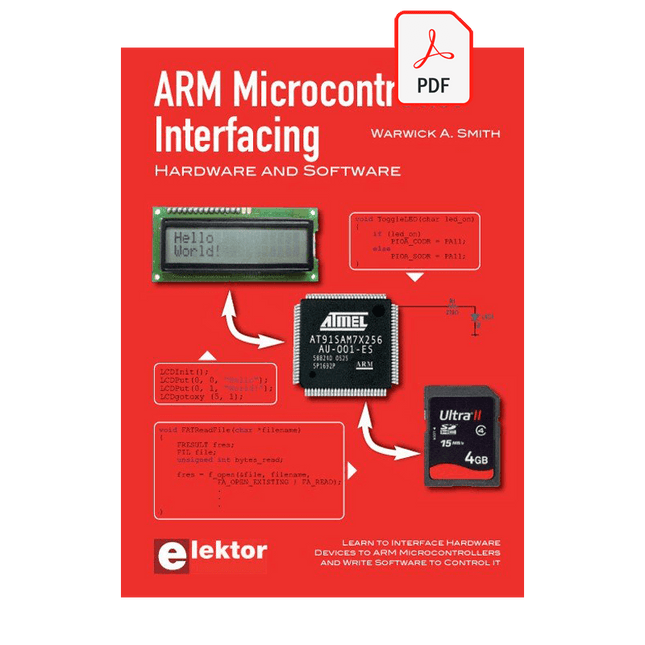
Learn to interface and program hardware devices in a wide range of useful applications, using ARM7 microcontrollers and the C programming language. Examples covered in full detail include a simple LED to a multi-megabyte SD card running the FAT file system.
Features of this book
Build prototype circuits on breadboard or Veroboard and interface to ARM microcontrollers.
A 32-bit ARM7 microcontroller is used in interfacing and software examples.
Interfacing principles apply to other ARM microcontrollers and other non-ARM microcontrollers as well.
Example programs are written in the C programming language.
Use only free or open source software.
Download and install all programming tools from the Internet.
Template project files are provided for easy project creation.
Hardware
Interface to LEDs, transistors, optocouplers, relays, solenoids, switches, keypads, LCD displays, seven segment displays, DC motors, stepper motors, external analogue signals using the ADC, RS232, RS-485, TWI, USB, SPI and SD memory cards.
Software
Once hardware has been interfaced to a microcontroller, software must be written to control the hardware. You will learn how to write programs to operate externally interfaced hardware devices, use timers and interrupts. Also learn how to port FAT file system code for use with an SD memory card, program the PWM to produce an audio sine wave, program the PWM to speed control a DC motor and more.
A chapter on more advanced ARM microcontrollers is included with an overview of some of the newest ARM microcontrollers and their features.
electronica Fast Forward Start- & Scale-Up AwardsLes préparatifs s?accélèrent?!
Bluetooth Low Energy avec ESP32-C3 et ESP32Vous n?avez pas toujours besoin de choisir le wifi?!
Renifleur BLEReconfiguration du dongle USB nRF52840 MDK de makerdiary
Cube magique de LED RGBcircuit avec un RP2040
Marche/arrêt automatique pour le compresseur de pâte à souder
Contenu vidéo d?ElektorLivestreams, webinaires et cours pour les ingénieurs et les fabricants professionnels
Électrification d?un véloUtilisation d?un kit de modification de vélo électrique
Démarer en électroniqueMultiplication de tensions
Sur le vifTransmutations
Teensy 4.0 ? comment cette carte peut-elle être aussi rapide ?Ou: La vitesse, ce n'est pas sorcier !
Simulation d?amplificateur de puissance audio avec TINA«?simuler avant de construire?»
Développer et utiliser vos n?uds LoRaWAN pour l'Internet des Objets (IdO)Exemple de chapitre : Modules LoRaWAN Dragino LHT65, LDS01 et LDS02
Projet 2.0Corrections, mises à jour et courriers des lecteurs
5G pour mon propre exploitMaîtrise totale du déploiement de la 5G avec les réseaux cellulaires privés
Infographics
Les meilleurs conseils pour développer une interface WiFiComment mon appareil apprend-il à transmettre ?
Horloge Tour du Rhin Mod 2
Analyseur de spectre audio avec dekatronsUne nouvelle façon d'utiliser les tubes rétro
Envoi de données à TelegramAvec un ESP32 et quelques composants
Filtre coupe-bande de Fliege pour les mesures audioFaites de meilleures mesures avec un filtre coupe-bande
Démontage d?un CO2-mètrePeut-on le bidouiller pour vos projets??
Tout mis ensembleLe transistor unijonction programmable expliqué
Écran tactile rond pour Raspberry PiL?HyperPixel 2.1 Round de Pimoroni
Télémesure avec détection des pertes de connexionGrâce aux modules nRF24L01+
Récepteur FM numérique avec Arduino et TEA5767Restez à l?écoute avec un Arduino Nano
Convertir une interface OLED de SPI vers I²C
HomeLab ToursUn passe-temps ne prend pas sa retraite
Une décennie d?éthique en électroniqueLe regard de Tessel Renzenbrink sur la société numérique.
HexadokuThe Original Elektorized Sudoku
Elektor GREEN and GOLD members can download their digital edition here.
Not a member yet? Click here.
Knowledge for All!
Super Servo TesterTest Up to Four Servos Stand-Alone or In-System
Analog Signals and MicrocontrollersADCs, DACs, Current Measurement, and More
embedded world 2023
Sub-Nyquist Sampling in PracticeReliably Capturing Higher Frequencies Using Subsampling
Android Smartphone Here, ESP32 There?Practical Pproject Using the Android Wi-Fi API
Active 1-kHz Filter for Distortion MeasurementBetter Measurements Through Optimization of the Measurement Signal
Starting Out in Electronics......Multivibrating Cheerfully Further!
Err-lectronicsCorrections, Updates and Readers’ Letters
The New I3C ProtocolA Worthy Successor to I²C, or Just More Hot Air?
BlueRC: IR Remote Control with Smartphone and ESP32Adaptive and Universal
Microcontroller Documentation Explained (Part 2)Registers and Block Diagrams
Automating Test and MeasurementProgramming Test Equipment to Do What You Want
Infographics: Test and Measurement
Overvoltage Protection for Safe OperationTransient Protection for Non-Isolated DC/DC Power Modules
Wiha Measuring EquipmentReliable Electrical Testers and Meters
Automating Testing and Collaborating on Test Results
From Life’s ExperienceHigh-Level Electronics
Energy LoggerMeasuring and Recording Power Consumption
Assembling the 4tronix M.A.R.S. Rover Kit
Parking Disk with E-Paper DisplayAn Innovative Digital Replacement
eCO₂ Telegram botAir-Quality Measurement with Telegram Notification
Behind the Scenes of DIY High-End AudioElektor’s Ton Giesberts Interviewed on the Fine Art of Analog Design
HomeLab ToursWork in Progress...
RFID Tag Reading and RFID Door LockSample Projects from the Elektor Arduino Experimenting Bundle
Oscilloscope Current Probe for RFRF Current Measurements Made Easy
Not for the Faint-Hearted: Robot Arm KitWith Raspberry Pi Pico and MicroPython
Generative AIWho Made This Anyway?
Hexadoku
Über 50 Schaltungen und Projekte
Sirene im US-Stil
Zwei Drehgeber an einem Analogeingang
Wie man mit dem Arduino einen 230-V-AC-Dimmer baut
Zehnfache LED-Stromquelle
Vier Schalter an einem Pin erkennen
Ein/Aus-Schalter mit Akku-Füllstandskontrolle
Handdesinfektionsmittel-Spender selbstgebaut
Eine einfache elektronische Orgel
Ultra-einfacher Stereo-Verstärker
Sound Activated Switch für Verstärker
Balanced/Unbalanced-Wandler
Externes Netzfilter
Tastenfreie Torsteuerung
DI-Box für ein Smartphone
Spaß mit Lauflichtern
Ein-Knopf-Thyristor-Steuerung
Quasi-analoger Belichtungstimer für die Dunkelkammer
Schaltungen von der Hackster.io-Community
Analoger Bräunungstimer
Noch eine Ein-Draht-LCD-Schnittstelle
Einfacher PWM-Generator mit ATtiny13
Zweites Leben für Batterien
Touch-Schalter für LED-Leuchten
Tester für LEDs und DIP-Schalter
Funktionstester für IR-Fernbedienungen
Leistungshalbleiter-Tester
SPI für WS2812(B)-LEDs
Messen von Leistungsinduktivitäten
Ein DIY-Doppelnetzteil
DIY-Testvorrichtung für das LCR-Meter
Arduino-Amperemeter
Zwei-Finger-Orgel
Rauscharmer ADC-Kalibrator
DC/DC-Aufwärtswandler
Zwei Potentiometer an einem digitalen Eingang
Akustischer Näherungssensor
Batterieloser Heizkörper-Sensor
Wanzen und drahtlose Kameras aufgespürt
Timer für die Innenbeleuchtung im Auto
Kerzensimulator
Digitaler Küchentimer
Milliohm-Meter
Verzögerungstimer für Heißwasserbereiter
Einfaches Ladegerät für zwei Zellen des Typs 18650
Winzige Frequenzreferenz
Sparsamer IR-Schalter
Recyceln Sie den Auto-Handylader!
Mikrofon-Vorverstärker für Arduino
EMI-Filter im Selbstbau
Elektronischer Würfel – ganz ohne MCU
Finger-Kondensator
Der selbstladende LED-Blitzer
Außerdem in dieser Ausgabe
KiCad 6 – Fünf interessante neue Funktionen
Flashback – Der Elektor-Computer SC/MP
Interview – Mit Elektrizität Kunst machen
Meine erste Platine – Crash-Einstieg in KiCad
Mit intelligenter Software Hardware minimieren
Infografik – Fakten und Zahlen
Neue ICs von Analog Devices
Flashback – DER Elektor-Metalldetektor
Hexadoku – Sudoku für Elektroniker
Elektor GREEN en GOLD leden kunnen deze uitgave hier downloaden.
Nog geen lid? Klik hier om een lidmaatschap af te sluiten.
OBD2-sensordashboardOude meters vormden het startpunt van een zoektocht naar echte gegevens
OBD2: voeg een toerenteller en schakelindicator toe aan je autoRetro, maar uiterst nuttig
LiDAR- en Visiesensoren voor Robotica
Sensor+Test 2025 en PCIM 2025
Contactloze E-Veldmetingen (1)Een Trillende Membraan voor het Detecteren van Gelijkspanningen of Statische Elektrische Velden
Draadloze brievenbusmeldervan optische sensoren tot radar: enkele mogelijkheden
Elektor Mini-Wheelieeen zelfbalancerende robot
ZonnecellenVreemde onderdelen, de serie
Aan de slag met een moderne radarsensorStaat een nauwkeurige meting op uw radar?
Uit het leven gegrepenpapierfabriek
CybersecurityZware tijden voor hackers
Infographics: IoT en sensoren 2025
Bluetooth 6.0 brengt verbeterde toepassingen voor afstandsbepalingNieuwe versie biedt betere apparaatpositionerings- en -locatieservices
Draadloze communicatie verkennen met BeagleY-AI
Err-lectronicsCorrecties, updates en lezerspost
Alle begin......sluit het thema opamps af
Een krachtige AI-codeerassistentsneller ontwikkelen met Continue en Visual Studio Code
Zonne-laadregelaar met MPPT (2)Het schema
Ultrasone obstakeldetectoreen eenvoudig project om slechtzienden te helpen
2025: Een AI-odysseeHalfjaaroverzicht
Raspberry Pi Standalone MIDI-synthesizer (3)Het slimmer maken en een gebruikersinterface toevoegen
Meshtastic: een demonstratieprojectEen slim netwerk van LoRa-radio's
Analoge audio-frequentiegeneratorHoogwaardige sinusgenerator met instelbare frequentie
Mastering PCB design with real-world projects
This book builts on KiCad Like a Pro – Fundamentals and Projects and aims to help you practice your new KiCad skills by challenging you in a series of real-world projects. The projects are supported by a comprehensive set of recipes with detailed instructions on how to achieve a variety of simple and complex tasks. Design the PCBs for a solar power supply, an LED matrix array, an Arduino-powered datalogger, and a custom ESP32 board. Understand the finer details of the interactive router, how to manage KiCad project teams with Git, how to use an autorouter on 2 and 4-layer PCBs, and much more.
KiCad 8 is a modern, cross-platform application suite built around schematic and design editors. This stable and mature PCB tool is a perfect fit for electronic engineers and makers. With KiCad 8, you can create PCBs of any complexity and size without the constraints associated with the commercial packages.
Here are the most significant improvements and features in KiCad 8, both over and under the hood:
Modern user interface, completely redesigned from earlier versions
Improved and customizable electrical and design rule checkers
Theme editor allowing you to fully customize the look of KiCad on your screen
Ability to import projects from Eagle, CADSTART, and more
An improved and tightly integrated SPICE circuit simulator
Autorouting with the Freerouting plugin
Filters define which elements of a layout are selectable
Enhanced interactive router helps you draw single tracks and differential pairs with precision
New or enhanced tools to draw tracks, measure distances, tune track lengths, etc.
Enhanced tool for creating filled zones
A customizable coordinate system facilitates data exchange with other CAD applications
Realistic ray-tracing capable 3D viewer
Differential pair routing
Rich repositories of symbol, footprint, and 3D shape libraries
Python scripting API for programmatic customization and extensions
Improved footprint wizard for fast custom footprints
Elektor GREEN and GOLD members can download their digital edition here.
Not a member yet? Click here.
electronica fast forward 2022 Start- & Scale-Up AwardsPreparations Speeding Up!
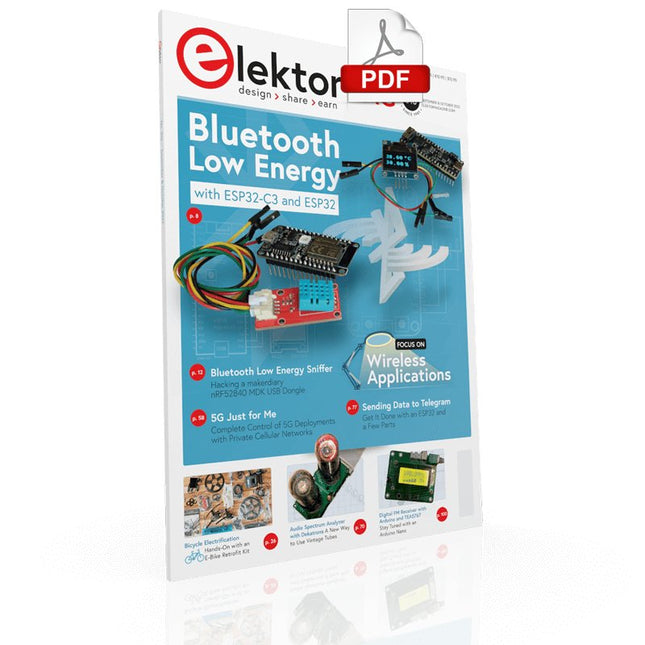
Bluetooth Low Energy with ESP32-C3 and ESP32You Don’t Always Need to Choose Wi-Fi!
Bluetooth Low Energy SnifferHacking a makerdiary nRF52840 MDK USB Dongle
Magic RGB LED CubeHardware Design Around an RP2040
Auto On/Off for Solder Paste Compressor
Elektor Video ContentLivestreams, Webinars, and Courses for Engineers and Pro Makers
Bicycle ElectrificationHands-On with an E-Bike Retrofit Kit
Starting Out in ElectronicsMultiplying Voltages
From Life’s ExperienceSidelines
Teensy 4.0Why Is This Board So Fast?
Audio Power Amplifier Simulation with TINAThe Try-Before-You-Build Approach
Develop and Operate Your LoRaWAN IoT NodesSample Chapter: Dragino LHT65, LDS01, and LDS02 LoRaWAN Modules
Err-lectronicsCorrections, Updates and Readers’ Letters
5G Just for MeGaining Complete Control of 5G Deployments with Private Cellular Networks
Infographics 7-8/2022
How Does My Device Learn to Transmit?Applications with Wi-Fi Interfaces
Smartphones are the Heart of the IoT
Audio Spectrum Analyzer with DekatronsA New Way to Use Vintage Tubes
Sending Data to TelegramGet It Done with an ESP32 and a Few Parts
A Fliege Notch Filter for Audio MeasurementsMake Better Measurements with a Notch Filter
CO2 Meter TeardownIs It Hackable for Your Projects?
PUT-ting It All TogetherThe Programmable Unijunction Transistor Explained
Round Touchscreen for Raspberry PiHyperPixel 2.1 Round from Pimoroni
Remote Sensing with Connection Loss DetectionUsing nRF24L01+ Modules
Digital FM Receiver with Arduino and TEA5767Stayed Tuned with an Arduino Nano
Changing an OLED Interface from SPI to I²C
HomeLab ToursA Hobby Does Not Retire
A Decade of Ethics in ElectronicsTessel Renzenbrink Reflects on the Digital Society and More
HexadokuThe Original Elektorized Sudoku
Elektor GREEN and GOLD members can download their digital edition here.
Not a member yet? Click here.
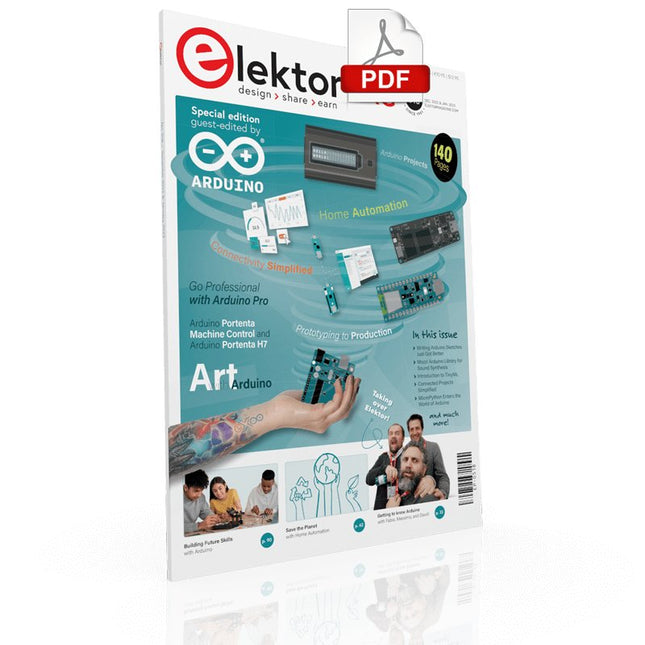
Arduino Portenta Machine Control and Arduino Portenta H7A CAN-to-MQTT Gateway Demo Project
Unboxing the Elektor LCR Meter with David Cuartielles
MicroPython Enters the World of Arduino
Connected Projects, SimplifiedDive Into the Arduino Cloud
Introduction to TinyMLBig Is Not Always Better
Arduino K-Way
Writing Arduino Sketches Just Got Better
Get to Know Arduino
Getting Started with the Portenta X8Manage Software Securely with Containers
Build, Deploy, and Maintain Scalable, Secure ApplicationsWith Arduino Portenta X8 Featuring NXP’s i.MX 8M Mini Applications Processor and EdgeLock SE050 Secure Element
How I Automated My HomeArduino CEO Fabio Violante Shares Solutions
Altair 8800 SimulatorHardware Simulation of a Vintage Computer
MS-DOS on the Portenta H7Run Old-School Software on Contemporary Hardware
Grow It YourselfA Digitally Controlled, Single-Box Solution for Indoor Farming
Save the Planet With Home Automation?MQTT on the Arduino Nano RP2040 Connect
Go Professional with Arduino Pro
Smart Ovens Take a Leap Into the Future
Tagvance Builds Safer Construction Sites with Arduino
Santagostino Breathes Easywith Remote Monitoring that Leverages AI for Predictive Maintenance
Security Flies High with RIoT Secure’s MKR-Based Solution
Open-Source Brings a New Generation of Water Management to the World
SensoDetect Deforestation with Sound Analysis
The Mozzi Arduino Library for Sound SynthesisInsights from Tim Barrass
The New Portenta X8 (with Linux!) and Max Carrier Redefine What’s Possible
How Using Arduino Helps Students Build Future Skills
Must-Haves for Your Electronics Workspace
The Importance of Robotics in Education
Dependable IoT Based Upon LoRa
Unboxing the Portenta Machine Control
8-Bit Gaming with Arduboy
Reducing Water Usage at Horseback Riding TracksAn IoT to Constantly Monitor Soil Humidity and Temperature Levels
The Panettone ProjectA sourdough starter management and maintenance system
Supporting Arduino Resellers
Space Invaders with Arduino
Art with ArduinoInspiring Insights from Artists and Designers
Arduino Product Catalogue
The Future of Arduino