Diese Ausgabe steht allen GOLD- und GREEN-Mitgliedern auf der ElektorMagazine-Website zum Download bereit!
Sie sind noch kein Mitglied? Hier klicken!
ESP32-Audio-Transceiver-Board (Teil 2)Drahtlose Audioübertragung
Induktiver AM-SenderPIO des Pico in einem Arduino-Sketch
Navigieren durch drahtlose ProtokolleEin technischer Leitfaden
Satellitenverfolgung mit LoRaDas TinyGS-Netzwerk: Raumfahrtdaten gelangen zur Erde
4G-kompatible SMS-FernbedienungSteuern Sie Ihr Zuhause per Telefon aus der Ferne
Hochgeschwindigkeits-TastkopfHochohmige Eingänge für Signale bis 200 MHz
Aus dem Leben gegriffenKafka
KrakenSDREin phasenkohärenter SDR-Empfänger
Geschwindigkeitstests mit dem RP2350Lohnt sich der Umstieg von Raspberry Pi Pico 1 auf Version 2?
Kontaktlose E-Feld-Messungen (2)Ein Laser-Vibrometer zur Erfassung der Membranschwingungen
Quarze und OszillatorenQuarzgenauigkeit durch die Kondensatorwahl verbessern
Aller Anfang ...... ist gar nicht schwer: Spezielle Audio-ICs
Einstieg ins Programmieren von Selbstbauprojekten
SPECTRAN® V6 MobileModular konfigurierbarer Echtzeit-Spektrum-Analyzer für zuverlässige Messungen in allen Frequenzbereichen
Die Zukunft der KI wird in Silizium geschmiedetEin Interview mit Anastasiia Nosova
Autonomer Sensorknoten v2.0 (Systemarchitektur)Solarbetriebene Sensorplattform mit integriertem GPS, LoRaWAN und weiteren Funktionen
Präzise PositionsbestimmungBluetooth Channel Sounding ausprobiert
Die Zukunft der Wireless-KommunikationDie ultradünnen Festkörperbatterien von BTRY
Testgetriebene Programmierung in der Firmware-Entwicklung
Handy-gesteuertes ModellautoWLAN + ESP32 + Smartphone = Fernsteuerung
2025: Eine KI-OdysseeKI-Denkmodelle: die Gedankenketten-Revolution
Solarladeregler mit MPP-TrackingTeil 3: Software und Inbetriebnahme
Web-Streaming-Kamera mit Raspberry Pi ZeroVerwendung des ZeroTier-VPN
Met de Raspberry Pi heeft u voor slechts een paar tientjes een complete computer in handen, waar op eenvoudige wijze allerlei elektronica aangesloten kan worden. In deze 2e herziene en uitgebreide versie gaan we in op een van de sterke kanten van de Raspberry Pi: de combinatie van programmeren en elektronica.
Na een korte introductie van de Raspberry Pi wordt de benodigde software geïnstalleerd. Op de SD-kaart die u bij dit boek kunt aanschaffen, is die allemaal al aanwezig voor de Raspberry Pi. Aan de (optionele) Windows PC kant gebeurt dit met gratis software die u kunt downloaden.
Daarna volgt een beknopte inleiding in het besturingssysteem Linux en gaan we programmeren in Bash, Python en JavaScript. De nadruk ligt hierbij op Python, maar in alle gevallen houden we het kort. We bespreken net voldoende zodat u de projecten kunt begrijpen en aan uw wensen aanpassen, en gaan dan aan de slag met leuke projecten.
Maar liefst 45 spannende en interessante projecten worden in detail besproken en uitgelegd. Van wisselknipperlicht, aansluiten van een elektromotor, het verwerken en maken van analoge signalen tot lichtmeter en temperatuurregeling. Maar ook gecompliceerdere projecten zoals een motorsnelheidsregeling, webserver met CGI, client-server applicaties en Xwindows programma‘s. U kunt dit boek gebruiken als projecten boek en de projecten nabouwen en in de praktijk inzetten. Door de duidelijke uitleg, schema‘s en foto‘s van de opstellingen op een steekbord wordt het nabouwen een erg leuke bezigheid.
RPi
Alle software voor de RPi is voorgeïnstalleerd op een SD-kaart die u bij dit boek kunt aanschaffen. Dat wil zeggen dat alle software en drivers voor SSH, SPI, I²C, GPIO, PWM, muziek, Python Ontwikkelversie, wxPython, IdleX en de seriële verbinding gegarandeerd werken. Tevens staan alle broncodes van de projecten uitdit boek op deze kaart.
Windows-PC
In het gratis download-pakket dat bij dit boek hoort, vindt u de software die in dit boek gebruikt wordt op de Windows-PC handig bij elkaar in een enkel ZIP-bestand. Alle software is gratis. Tevens bevat het pakket een filmpje van de Nutteloze Doos (Useless Machine) van project 13.4.
Software download-pakket
WinOscillo
Putty
Xming
WinSCP
DiskImager
Notepad2
IdleX
Useless Box film
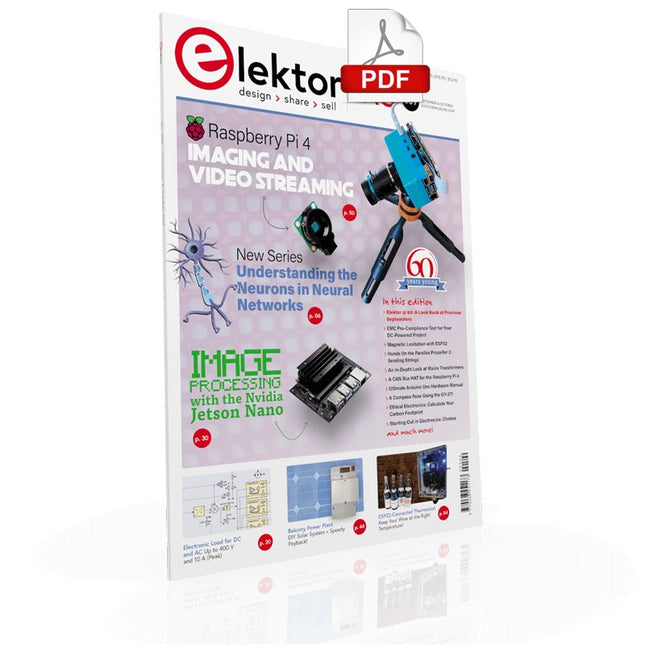
UNDERSTANDING THE NEURONS IN NEURAL NETWORKS (PART 1)Artificial Neurons
EMC PRE-COMPLIANCE TEST FOR YOUR DC-POWERED PROJECT (PART 1)Dual DC LISN
ELECTRONIC LOAD FOR DC AND ACUp to 400 V and 10 A (Peak)
STARTING OUT IN ELECTRONICSEasier Than Imagined! ...Taking on the Choke!
IMAGE PROCESSING WITH THE NVIDIA JETSON NANO (PART 1)The Hardware and Software
AN IN-DEPTH LOOK AT MAINS TRANSFORMERSHow Do They Behave When They Are Switched On and Off?
YES WE CAN WITH PICAN 3A CAN Bus HAT for the Raspberry Pi 4
BALCONY POWER PLANTDIY Solar Balcony = Speedy Payback!
IMAGING AND VIDEO-STREAMING WITH A RASPBERRY PI 4The Raspberry Pi High-Quality Camera in Practice
USING DISPLAYS IN RASPBERRY PI PROJECTSSample Chapter: Organic Light Emitting Diode Displays (OLED)
HANDS ON THE PARALLAX PROPELLER 2 (PART 4)Sending Strings
ELEKTOR @ 60A Look Back at Previous Septembers
HOMELAB TOURSIn the Friesian Countryside, Where the Tubes Bloom ...
HYBRIDSPeculiar Parts, the series
A COMPASS ROSE USING THE GY-271Or Why We Move in Figures of Eight to Calibrate a Sensor
FINDING YOUR FOOTPRINTCalculate the Carbon Footprint of Your Electronics
ESP32-CONNECTED THERMOSTATKeep Your Wine at the Right Temperature!
MAGNETIC LEVITATION THE DIGITAL WAYESP32 Pico Replaces the Analog Comparator
ULTIMATE ARDUINO UNO HARDWARE MANUALSample Chapter: Main Microcontroller Bootloader
MICROPYTHON FOR THE ESP32 AND FRIENDS (PART 2)Control Matrix Displays Easily
MADMACHINE SWIFTIO BOARDModern Language Meets Modern Hardware
FROM LIFE’S EXPERIENCEOn-Again, Off-Again Relationship
HEXADOKUThe Original Elektorized Sudoku
Eerste stappen met een ESP32-C3 en het IoTWiFi-knop en -relais IoT Cloud à la Arduino
Arduino-shield met dubbele Geiger-Müller buisuiterst gevoelige en zeer zuinige stralingssensor
CO2-wachterluchtkwaliteit bewaken – doe het zelf!
MonkMakes Air Quality Kit voor de Raspberry Pimeet temperatuur en eCO2
Alle begin......verwelkomt de diode
Tips & trucs voor het testen van componentenzonder kostbare apparatuur
Reduceer het stroomverbruik van uw mollenverjagerATtiny13 in plaats van 555
Lichtschakelaar DeLuxuiterst nauwkeurig lichtgestuurd schakelen
Uitdagingen bij het op de markt brengen van IoT-oplossingenzorgen over veiligheid, schaalbaarheid en de concurrentie Elektor Infographics
Toch beter bedraadTips voor het ontwikkelen van een 1 Gbit/s interface in de industriële omgeving
Edge Impulse FOMOreal-time objectdetectie voor MCU’s
Lopende-golfbuisVreemde onderdelen, de serie
Smalband-Internet of Thingsstandaarden, dekking, overeenkomsten en modules
Dragino LPS8 indoor-gatewayLoRaWAN-gateway snel geïnstalleerd
Ontdek ATtiny-microcontrollers met behulp van C en assemblervoorbeeldhoofdstuk: ATtiny I/O-poorten
Project 2.0correcties, updates en brieven van lezers
LoRa GPS-tracker updateontvang en toon de locatie met een Raspberry Pi
Schakelingen simuleren met TINA Design Suite & TINACloudvoorbeeldhoofdstuk: sinusoscillatoren
Uit het leven gegrepenlopendebandwerk
Het WinUI grafische framework voor Windows-appseen kleine demo-applicatie
GUI's maken met Python's Werelds slechtste GUI
Off-grid PV-systeemelektrische energie onafhankelijk van het net
De 10-jaar-smartphonestel uw verwachtingen bij Hexadoku
Elektor GREEN and GOLD members can download their digital edition here.
Not a member yet? Click here.
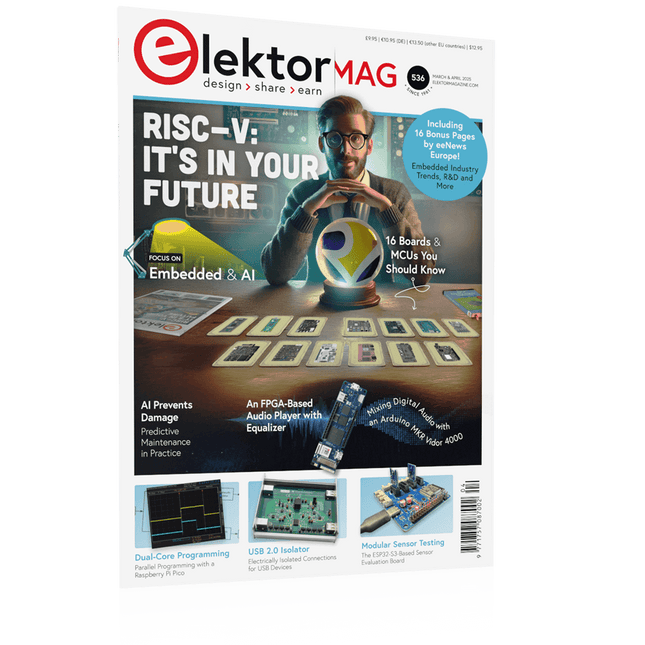
The RISC-V Open-Source Processor Architecture16 Boards and MCUs You Should Know
An FPGA-Based Audio Player with Equalizer (1)Mixing Digital Audio with an Arduino MKR Vidor 4000
Laser Head for Pico-Based Sand ClockDrawing with Light
Enter the STM32 Edge AI Contest
A Multi-Sensor Environmental Monitoring System for PlantsWireless Measurement of Water Supply and Light Conditions
Maixduino AI-Powered Automatic DoormanFace Detection with a Camera
Embedded Electronics 2024AI Is Set to Redefine the Industry
Charge-Based In-Memory Compute at EnCharge AI
AI Inferencing at 10 Times Lower Power and 20 Fold Lower Cost
Click Board Helps Develop and Train ML Models for Vibration Analysis
The Elektor Mini-WheelieA Self-Balancing Robot Kit
MCU, I See YouMCUViewer Open-Source Multiplatform Debugging Tool
USB 2.0 IsolatorElectrically Isolated Connections for USB Devices
Intervention Before DamagePredictive Maintenance in Practice
SPoE – Electromagnetic CompatibilitySingle-Pair with Power-Over-Ethernet Through the Eyes of EMC
Color TV: A Wonder of Its TimeCreating a New World
ECG Graph MonitoringAn Implementation with Hexabitz Modules and an STM32CubeMonitor
The Battle for AI at the Edge
HaLow Hits Record 16-km Wi-Fi Distance at 900 MHz
First CHERI RISC-V Embedded Chip and Early Access Programme
Third-Generation Wildfire Detection Uses Satellite Links
From Life’s ExperienceChoice Overload
Starting Out in Electronics……Continues Filtering and Controls Tone
Quasi-Analog ClockworkA Remake of an Elektor Classic
A Modular Approach to Sensor TestingThe ESP32-S3-Based Sensor Evaluation Board
2025: An AI OdysseyThe Rise of Foundation Models and Their Role in Democratizing AI
Raspberry Pi Standalone MIDI Synthesizer (1)Preparing a Platform for Some Edge AI Experiments
Err-lectronicsCorrections, Updates, and Readers’ Letters
Universal AI RISC-V Processor Does It All — CPU, GPU, DSP, FPGA
CEO Interview: Ventiva’s Thin and Cool Tech
Dual-Core Programming with a Raspberry Pi PicoVenture Into the World of Parallel Programming
Construisez votre station météo idéale ou explorez les données environnementales avec le monde entier. Avec de nombreux projets pratiques pour Arduino, Raspberry Pi, NodeMCU, ESP32 et autres cartes de développement.
Les stations météo jouissent d’une grande popularité depuis des décennies. Tous les magazines d’électronique, qu’ils soient récents ou non, ont publié et publient régulièrement des articles sur la construction d’une station météo. Au fil des années, elles sont devenues de plus en plus sophistiquées et peuvent aujourd’hui être entièrement intégrées dans la maison intelligente. Ceci implique toutefois souvent une fidélité à un fabricant de produits de marque (coûteux) pour tous les composants.
Cependant, avec votre propre station météo, vous pouvez facilement suivre le rythme et même capturer des relevés que les appareils commerciaux ne peuvent pas réaliser. Le plaisir ne manque pas : vous développerez de manière ludique vos connaissances en électronique, en cartes de développement de microcontrôleurs modernes et en langages de programmation. Pour moins de dix euros, vous pouvez collecter des données environnementales initiales et étendre votre système au fur et à mesure que votre intérêt grandit.
Dans ce numéro
Sur la route du vent et de la météo
Écran météo OpenWeatherMap à affichage fluorescent
Les composés organiques volatils dans l‘air que nous respirons
Travailler avec les capteurs MQ : mesurer le monoxyde de carbone
Détecteur de CO2 avec connexion IdO vers ThingSpeak
Un arrosage automatique pour vos plantes
Un climat intérieur sain : la température et l‘humidité de l‘air sont importants
Thermomètre avec tubes Nixie
Une maison météo rétro pour toute la famille
Mesurez la pression atmosphérique et la température avec précision
Un détecteur de coups de soleil
Capteur maison pour la durée d‘ensoleillement
Le smartphone l‘indique : brouillard ou bonne visibilité ?
Détecter les tremblements de terre
Les niveaux des cours d‘eau et des réservoirs
Évaluer la valeur du pH de l’eau
Détecter les rayonnements radioactifs
Avec le GPS, vous savez où se trouve votre capteur
Enregistrer les fichiers journaux avec horodatage sur des cartes SD
LoRaWAN, The Things Network et ThingSpeak
Exploiter la passerelle LoRaWAN pour le TTN
Affichage géant à led avec prévisions météo
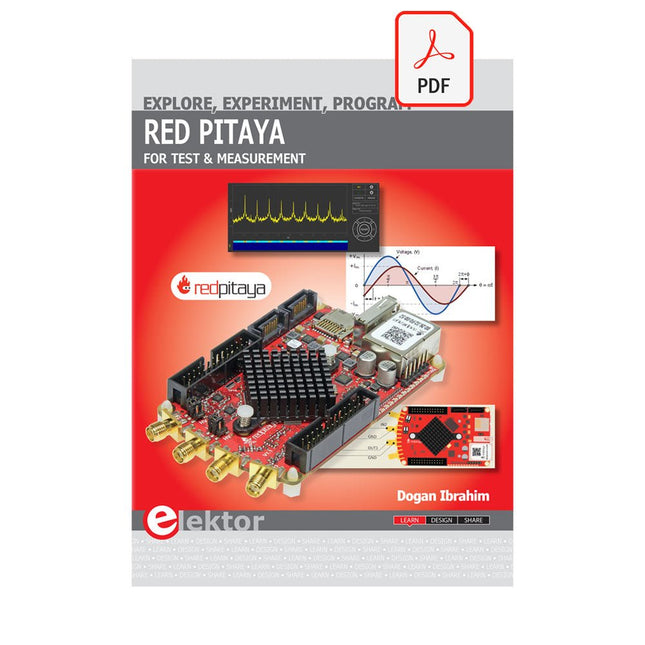
The Red Pitaya (STEMlab) is a credit card-sized, open-source test and measurement board that can be used to replace most measurement instruments used in electronics laboratories. With a single click, the board can transform into a web-based oscilloscope, spectrum analyser, signal generator, LCR meter, Bode plotter, and microcontroller.
The Red Pitaya (STEMlab) can replace the many pieces of expensive measurement equipment found at professional research organisations and teaching laboratories. The device, that based on Linux, includes an FPGA, digital signal processing (DSP), dual core ARM Cortex processor, signal acquisition and generation circuitry, micro USB socket, microSD card slot, RJ45 socket for Ethernet connection, and USB socket – all powered from an external mains adaptor.
This book is an introduction to electronics. It aims to teach the principles and applications of basic electronics by carrying out real experiments using the Red Pitaya (STEMlab). The book includes many chapters on basic electronics and teaches the theory and use of electronic components including resistors, capacitors, inductors, diodes, transistors, and operational amplifiers in electronic circuits. Many fun and interesting Red Pitaya (STEMlab) experiments are included in the book. The book also makes an introduction to visual programming environment.
The book is written for college level and first year university students studying electrical or electronic engineering.
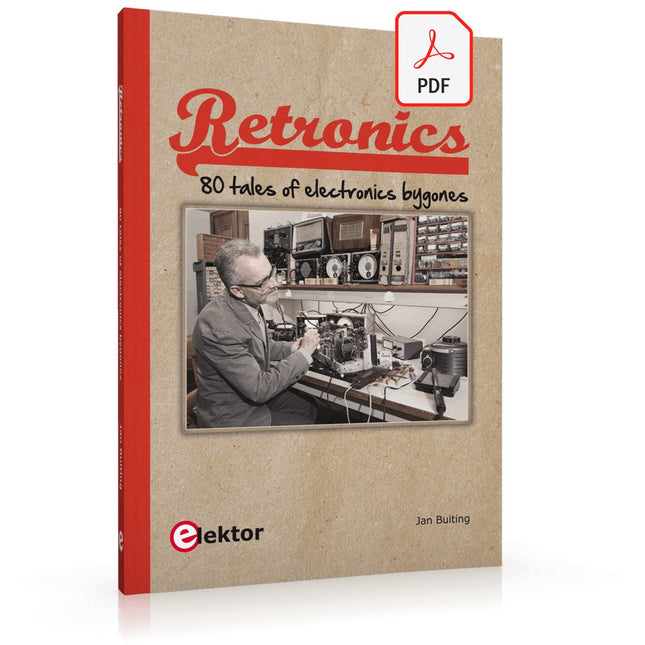
Quite unintentionally a one-page story on an old Heathkit tube tester in the December 2004 edition of Elektor magazine spawned dozens of ‘Retronics’ tales appearing with a monthly cadence, and attracting a steady flow of reader feedback and contributions to the series. Since launching his Retronics columns, Elektor Editor Jan Buiting has never been short of copy to print, or vintage equipment to marvel at.
This book is a compilation of about 80 Retronics installments published between 2004 and 2012. The stories cover vintage test equipment, prehistoric computers, long forgotten components, and Elektor blockbuster projects, all aiming to make engineers smile, sit up, object, drool, or experience a whiff of nostalgia.
To reflect that our memories are constantly playing tricks on us, and honoring that “one man’s rubbish is another man’s gem”, the tales in the book purposely have no chronological order, and no bias in favor of transistor or tube, microprocessor or discrete part, audio or RF, DIY or professional, dry or narrative style.
Although vastly diff erent in subject matter, all tales in the book are told with personal gusto because Retronics is about sentiment in electronics engineering, construction and repair, be it to reminisce about a 1960s Tektronix scope with a cleaning lady as a feature, or a 1928 PanSanitor box for dubious medical use.
Owners of this book are advised to not exceed one Retronics tale per working day, preferably consumed in the evening hours under lamp light, in a comfortable chair, with a piece of vintage electronic equipment close and powered up.
Elektor GREEN en GOLD leden kunnen deze uitgave hier downloaden.
Nog geen lid? Klik hier om een lidmaatschap af te sluiten.
OBD2-sensordashboardOude meters vormden het startpunt van een zoektocht naar echte gegevens
OBD2: voeg een toerenteller en schakelindicator toe aan je autoRetro, maar uiterst nuttig
LiDAR- en Visiesensoren voor Robotica
Sensor+Test 2025 en PCIM 2025
Contactloze E-Veldmetingen (1)Een Trillende Membraan voor het Detecteren van Gelijkspanningen of Statische Elektrische Velden
Draadloze brievenbusmeldervan optische sensoren tot radar: enkele mogelijkheden
Elektor Mini-Wheelieeen zelfbalancerende robot
ZonnecellenVreemde onderdelen, de serie
Aan de slag met een moderne radarsensorStaat een nauwkeurige meting op uw radar?
Uit het leven gegrepenpapierfabriek
CybersecurityZware tijden voor hackers
Infographics: IoT en sensoren 2025
Bluetooth 6.0 brengt verbeterde toepassingen voor afstandsbepalingNieuwe versie biedt betere apparaatpositionerings- en -locatieservices
Draadloze communicatie verkennen met BeagleY-AI
Err-lectronicsCorrecties, updates en lezerspost
Alle begin......sluit het thema opamps af
Een krachtige AI-codeerassistentsneller ontwikkelen met Continue en Visual Studio Code
Zonne-laadregelaar met MPPT (2)Het schema
Ultrasone obstakeldetectoreen eenvoudig project om slechtzienden te helpen
2025: Een AI-odysseeHalfjaaroverzicht
Raspberry Pi Standalone MIDI-synthesizer (3)Het slimmer maken en een gebruikersinterface toevoegen
Meshtastic: een demonstratieprojectEen slim netwerk van LoRa-radio's
Analoge audio-frequentiegeneratorHoogwaardige sinusgenerator met instelbare frequentie
AI Projects for the Raspberry Pi with the AI HAT+
Edge AI is transforming everyday devices by putting intelligence where it matters most: directly inside the hardware. With on-device inference, a camera can recognize a visitor instantly, a phone can translate speech without streaming audio to the cloud, and a wearable can detect anomalies in real time—fast, private, and reliable even when the network disappears.
This book is your practical guide to building exactly those kinds of systems with the Raspberry Pi AI HAT+ and the Hailo-8L accelerator. You’ll start with clear foundations: core AI and machine-learning concepts, how neural networks work, and what truly distinguishes Edge AI from cloud AI—plus an honest look at ethical considerations and future impacts.
Then it’s straight to hands-on physical computing. Step by step, you’ll set up Raspberry Pi OS, power and cooling, and develop in Python using the Thonny IDE. You’ll learn GPIO basics with lights and servos, mount the AI HAT+ hardware, install and verify the Hailo software stack, and connect the right camera—official modules or USB webcams, even multiple cameras.
From your first pipeline to real projects, you’ll run person detection, pose estimation, segmentation, and depth estimation, then level up with YOLO object detection: smart alerts, guest counters, and custom extensions. You’ll even connect vision to motion by combining gesture recognition with servo-driven mechanisms, including a robotic arm.
With troubleshooting tips, hardware essentials, and a practical Python refresher, this book turns Edge AI from buzzword into buildable reality.
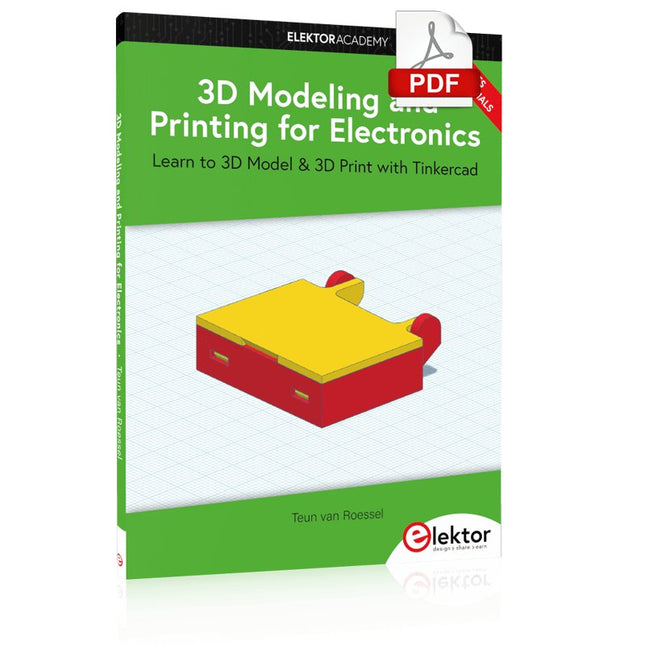
Learn to 3D Model & 3D Print with Tinkercad
With this book and the complementary videos, you’ll be 3D printing in no time at all. This course is meant to have you make casings for electronic components but also goes into optimizing your print technique as well as adding a little flair to your 3D creations. The course is perfect for you if you just bought your (first) 3D printer and want to print your own designs as soon as possible while also being able to get more background information.
You’ll get to know the workings of a 3D printer and what software to use to model your object, not forgetting to make it print perfectly. We’ll even use the magic of 3D printing to create things that appear impossible to make (this fast and simple) with any other rapid-prototyping technique.
At the end of this course, it’ll be second nature for you to design an object for 3D printing and fine-tune your print-setting to get the perfect print!
The book includes the following 7 video tutorials:
Introduction
Basic 3D modeling for 3D printing
Modeling a casing
Post-processing
Pushing the limits
Movable parts
Snap fits