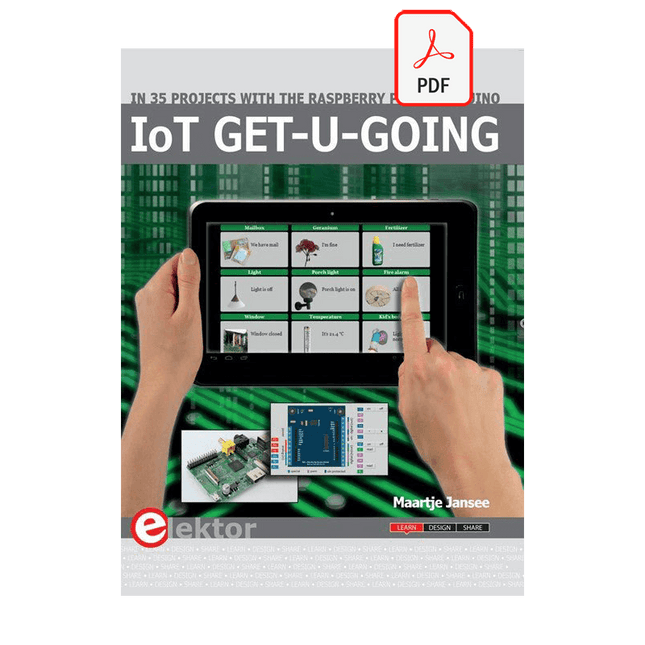
In 35 Projects with the Raspberry Pi and Arduino
The Internet of Things (IoT) is a trend with a strong technological impulse. At home, we want to do everything on our tablets, from browsing Facebook to watching TV, from operating lights to keeping an eye on the temperature.
In 35 fun projects, this book will show you how to build your own Internet of Things system. We'll cover the hardware (primarily the Raspberry Pi and Arduino) and the software that makes control via Internet possible. We employ Wi-Fi and radio links so no requirement any longer to install cabling crisscross through your home.
Assuming the projects in the book are finished, you have a complete Internet of Things system that allows you to control and view of everything in your home. For example, if there's something in the mail box or the car is securely in the garage. Also, you can switch on the lights and the alarm from your couch. The crisp explanations allow the projects to be customized with ease, for example, to turn on your coffee machine or TV remotely. The index gives easy access to creative projects that can serve as an example, enabling you to do all the connecting to the IoT independently. All project software can be downloaded free of charge from the Elektor website.
In this unique book, Raspberry Pi, Arduino and HTML webpages with stylesheets and JavaScript come together in clearly-described, easy-to-build projects. This special book is an essential part of your collection!
Physical Computing met het Arduino-platform
Dit leerboek over het Arduino-platform is uniek en brengt u stap voor stap van beginner tot gevorderde Arduino-gebruiker. Er wordt duidelijk in uitgelegd waarom en waardoor toepassingen werken, ondersteund door gedetailleerde afbeeldingen in kleur. Er is slechts een geringe elektronische basiskennis vereist, omdat de benodigde hardware uitgebreid wordt besproken. Het laatste gedeelte van dit boek bevat een degelijke theoretische verdieping, zodat u een krachtig naslagwerk achter de hand houdt.
Er bestond in het Nederlands nog geen lesboek over dit platform. De didactische opbouw is zodanig dat de vereiste abstracte kennis wordt uitgelegd aan de hand van toepasbare en actuele praktijkvoorbeelden. De meeste toepassingen zijn gericht op ‘physical computing’, dat is de interactie tussen sensoren, actoren, elektronica en software. Hierdoor is het boek ook geschikt voor technisch beroepsonderwijs, o.a. voor de richting mechatronica.
De opbouw van het boek is als volgt:
Algemene introductie microcontrollers.
Informatie over het Arduino-platform.
Oefeningen met uitleg aan de hand van 21 voorbeelden.
Praktijkvoorbeelden met uitleg aan de hand van 5 voorbeelden.
Theoretische verdieping van de software en hardware.
Praktische elektronicaschema´s.
Alle software-voorbeelden in het boek zijn als download beschikbaar.
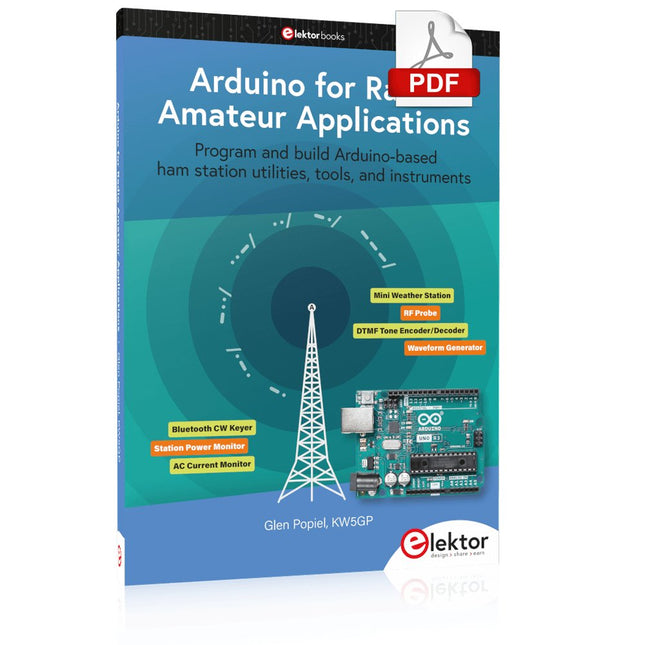
Program and build Arduino-based ham station utilities, tools, and instruments
In addition to a detailed introduction to the exciting world of the Arduino microcontroller and its many variants, this book introduces you to the shields, modules, and components you can connect to the Arduino. Many of these components are discussed in detail and used in the projects included in this book to help you understand how these components can be incorporated into your own Arduino projects. Emphasis has been placed on designing and creating a wide range of amateur radio-related projects that can easily be built in just a few days.
This book is written for ham radio operators and Arduino enthusiasts of all skill levels, and includes discussions about the tools, construction methods, and troubleshooting techniques used in creating amateur radio-related Arduino projects. The book teaches you how to create feature-rich Arduino-based projects, with the goal of helping you to advance beyond this book, and design and build your own ham radio Arduino projects.
In addition, this book describes in detail the design, construction, programming, and operation of the following projects:
CW Beacon and Foxhunt Keyer
Mini Weather Station
RF Probe with LED Bar Graph
DTMF Tone Encoder
DTMF Tone Decoder
Waveform Generator
Auto Power On/Off
Bluetooth CW Keyer
Station Power Monitor
AC Current Monitor
This book assumes a basic knowledge of electronics and circuit construction. Basic knowledge of how to program the Arduino using its IDE will also be beneficial.
Open-Source-Code mit Arduino IDE und PlatformIO
Autonomes Fahren: GPS, Accelerometer, Gyroskop
PS3-Controller
Mikrocontroller wie der Arduino und Einplatinenrechner wie der Raspberry Pi haben sich zu beliebten Komponenten entwickelt. Dritter im Bunde ist der ESP32 der Firma Espressif. Mikrocontroller dieser Baureihe zeichnen sich durch eine Vielzahl implementierter Funktionen aus, die bei einem Arduino konventioneller Prägung mit einem Atmel-AVR-Mikrocontroller erst mit weiterer Hardware möglich sind. Prominentes Beispiel sind hier die WiFi- und Bluetooth-Funktionalitäten. Gegenüber einem Raspberry Pi zeichnen sie sich durch einen deutlich geringeren Preis aus.
Allgemeine Informationen für die Realisierung eines Roboterauto-Projekts mit dem ESP32 sind leicht zu finden. Dabei handelt es sich aber oft nur um Ausführungen zu einem Teilaspekt, ohne inhaltliche oder funktionale Abstimmung. So ist nicht nur die Beschaffung der benötigten Informationen mühselig und zeitaufwändig, sie kann auch außerordentlich fehlerträchtig sein.
Ansatzpunkt dieses Buches ist, diese Lücke zu schließen. Es geht auf verschiedene Möglichkeiten eines Chassis ein, vermittelt nötige Kenntnisse und führt schrittweise von einer einfachen Motorsteuerung zu einem komplexen sensor- und sprachgesteuerten Roboterauto. Hacks rund um GPS und eine PlayStation 3 runden die Sache ab.
Inhalt
Bei der Reihenfolge der Kapitel wurde versucht – beginnend bei der Darstellung von grundlegenden Informationen – über die Lösung einfacher Aufgaben zu etwas anspruchsvolleren Techniken zu führen.
Der Mikrocontroller ESP32
Die Software erstellen
Die Stromversorgung
Rund um die Hardware
Das Chassis
Der Gleichstrommotor
Kabellose Steuerung über WiFi
Mit Sensoren Hindernisse erkennen
Eine eigene Roboterauto-App
Servo und Lichtsensor
GPS
Accelerometer / Gyroskop
PS3-Controller
Roboterauto-App
Hinweis zur Software
Die Dateien haben das Suffix (.cpp). Grund ist die Entwicklung mit PlatformIO. Mit Copy & Paste sollten sie auch in der Arduino-IDE verwendet werden können.
Using the RFID Starter Kit
An Arduino board has now become ‘the’ basic component in the maker community. No longer is an introduction to the world of microcontrollers the preserve of the expert. When it comes to expanding the capabilities of the basic Arduino board however, the developer is still largely on his own. If you really want to build some innovative projects it’s often necessary to get down to component level. This can present many beginners with major problems. That is exactly where this book begins.
This book explains how a wide variety of practical projects can be built using items supplied in a single kit together with the Arduino board. This kit, called the 'RFID Starter Kit for Arduino' (SKU 17240) is not just limited to RFID applications but contains more than 30 components, devices and modules covering all areas of modern electronics.
In addition to more simple components such as LEDs and resistors there are also complex and sophisticated modules that employ the latest technology such as:
A humidity sensor
A multicolor LED
A large LED matrix with 64 points of light
A 4-character 7-segment LED display
An infra red remote-controller unit
A complete LC-display module
A servo
A stepper motor and controller module
A complete RFID reader module and security tag
On top of that you will get to build precise digital thermometers, hygrometers, exposure meters and various alarm systems. There are also practical devices and applications such as a fully automatic rain sensor, a sound-controlled remote control system, a multifunctional weather station and so much more.
All of the projects described can be built using the components supplied in the Elektor kit.
Elektor GREEN en GOLD leden kunnen deze uitgave hier downloaden.
Nog geen lid? Klik hier om een lidmaatschap af te sluiten.
ESP32 Audio Transceiver Board (Deel 2)Draadloze audio-overdracht
Inductieve AM-zenderGebruikt Pico's PIO in een Arduino-sketch
Navigeren door draadloze protocollen navigerenEen technische gids
Satelliettracking met behulp van LoRaHet TinyGS-netwerk brengt gegevens uit de ruimte naar de aarde.
4G-Compatibele SMS afstandsbedieningBedien je apparatuur op afstand
Hogesnelheids-probeIngangen met hoge impedantie voor signalen tot 200 MHz
Uit het leven gegrepenKafka
KrakenSDR
Prestatietests met de RP2350Is een upgrade van Raspberry Pi Pico 1 naar versie 2 de moeite waard?
Contactloze E-veldmetingen (2)Een laservibrometer voor het beoordelen van de trillingen van het membraan
Kristallen en oscillatorenVerbetering van de kristalnauwkeurigheid door gerichte keuze van condensatoren
Alle begin......gaat audio!
Zelf firmware coderen voor embedded projecten
SPECTRAN® V6 MobileModulaire, configureerbare realtime-spectrumanalyzer voor betrouwbare metingen over alle frequentiebereiken
De toekomst van AI wordt gesmeed in siliciumEen interview met Anastasiia Nosova
Autonome Sensor-Node v2.0 (Systeemarchitectuur)Zonne-energieplatform met geïntegreerde GPS, LoRaWAN en meer
Precieze positioneringBluetooth channel sounding getest
Testgestuurd ontwikkelen bij het schrijven van firmware
Telefoon gestuurde modelautoWi-Fi + ESP32 + Smartphone = Afstandsbediening
2025: Een AI-odysseeAI-redeneermodellen: De gedachtegang-revolutie
Zonne-laadregelaar met MPP-tracking (3)Software en Inbedrijfstelling
Raspberry Pi Zero Web Streaming CameraDe ZeroTier VPN gebruiken
Beste soldeerder van de Beneluxvakmanschap in de schijnwerpers
Seminaroverzicht Electronics & ApplicationsLeer, ontdek en netwerk op E&A 2025
Eurocircuits at E&A 2025
E&A gadget 2025: racen over de beursvloer met slimme printplaat op wielenVijf vragen aan Casper van Doorne, ontwerper van de beursgadget
Beursgadget E&A bekendontwerp en bestuur je eigen raceauto
Vakbeurs E&A is het elektronicaparadijs van de Benelux“Techneuten blijven kinderen”
Rohde & SchwarzPioneering Innovation in Test & Measurement
Diederik Jekel opent Electronics & Applications
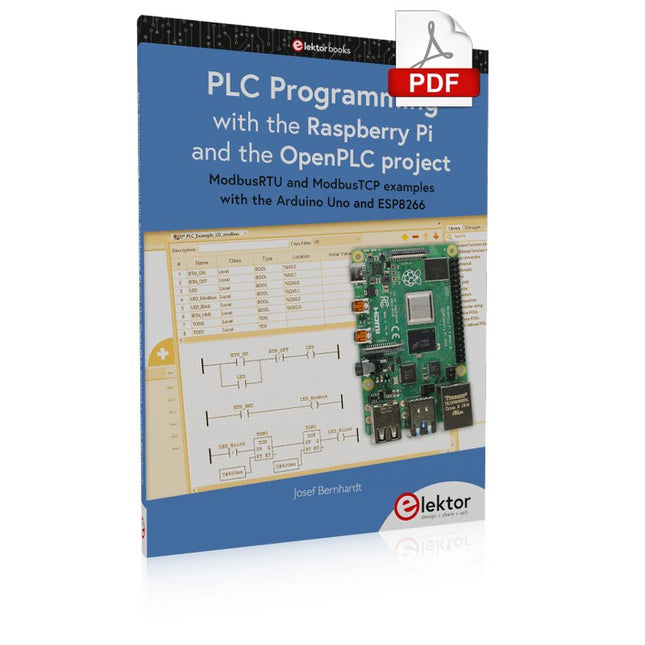
ModbusRTU and ModbusTCP examples with the Arduino Uno and ESP8266
Introduction to PLC programming with OpenPLC, the first fully open source Programmable Logic Controller on the Raspberry Pi, and Modbus examples with Arduino Uno and ESP8266
PLC programming is very common in industry and home automation. This book describes how the Raspberry Pi 4 can be used as a Programmable Logic Controller. Before taking you into the programming, the author starts with the software installation on the Raspberry Pi and the PLC editor on the PC, followed by a description of the hardware.
You'll then find interesting examples in the different programming languages complying with the IEC 61131-3 standard. This manual also explains in detail how to use the PLC editor and how to load and execute the programs on the Raspberry Pi. All IEC languages are explained with examples, starting with LD (Ladder Diagram) over ST (Structured Control Language) to SFC (Special Function Chart). All examples can be downloaded from the author's website.
Networking gets thorough attention too. The Arduino Uno and the ESP8266 are programmed as ModbusRTU or ModbusTCP modules to get access to external peripherals, reading sensors and switching electrical loads. I/O circuits complying with the 24 V industry standard may also be of interest for the reader.
The book ends with an overview of commands for ST and LD. After reading the book, the reader will be able to create his own controllers with the Raspberry Pi.
Diese Ausgabe steht allen GOLD- und GREEN-Mitgliedern auf der ElektorMagazine-Website zum Download bereit!
Sie sind noch kein Mitglied? Hier klicken!
Was genau ist eigentlich Edge-KI?Intelligenz direkt im Gerät
Wir stellen vor: Edge Impulse StudioKI-Modelle für Edge-Geräte einfach erstellen und bereitstellen
Keyword Spotting mit Edge ImpulseErfassen, Trainieren und Implementieren
Intelligente Gerätesteuerung per Sprachbefehl mit Nordic Thingy:53
Edge-KISchlüsselbegriffe zum Verständnis von Edge-KI und Machine Learning
Crashkurs: Einstieg in Edge ImpulseWie Sie mit dem Arduino Nano 33 BLE Sense ein ML-Modell erfassen, trainieren und bereitstellen
Ein neues Kapitel für ArduinoVom Hobby-Board zur Edge-Computing-Plattform
Erste Schritte mit Objekterkennung auf Edge-Geräten
Fehlererkennung auf LeiterplattenComputer Vision mit dem Raspberry Pi
KI-Skalierung für kleinste Geräte
Optimierung der Energieeffizienz bei batteriebetriebenen Edge-KI-Geräten
KI-ToasterWenn Edge-KI das Frühstück rettet
Thundercomm Rubik Pi 3Raspberry Pi trifft Edge-KI
Unternehmensführung, Embedded ML und die Edge-Revolution
Vision-Language-Modelle für Edge-GeräteKaskadierte Modelle für höhere Zuverlässigkeit
Lernen Sie Edge Impulse kennenFragen aus der Elektor-Community
Projekt-Update #5: Energiemessgerät mit ESP32Haushaltsgeräte mit Edge-KI erkennen
Bewegungserkennung mit Anomalie-ErkennungEin End-to-End-Tutorial
Intelligentes Belüftungssystem: Verbindung von Schall- und UmweltdatenEin Dual-MCU-Ansatz mit Machine Learning für die automatische Steuerung von Fenstern und Jalousien
Sprachsteuerung für Ohrhörer und Headsets
Edge-KI: Intelligente Geräte auf dem Vormarsch
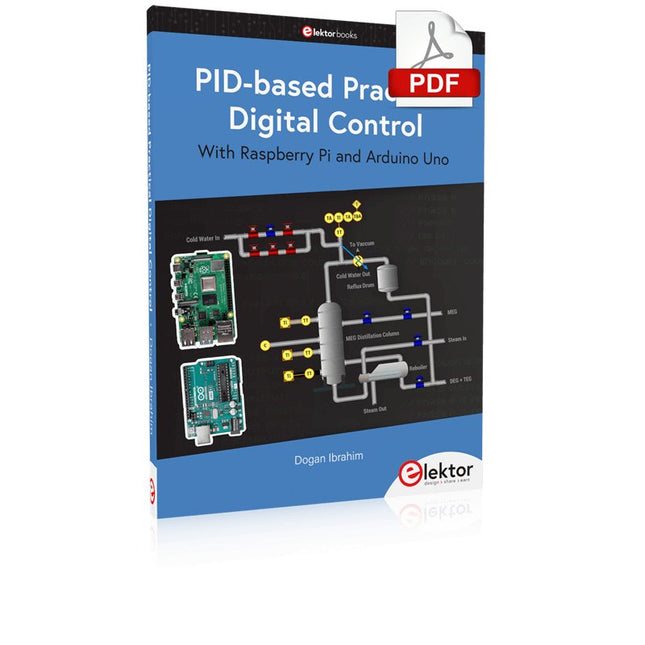
The Arduino Uno is an open-source microcontroller development system encompassing hardware, an Integrated Development Environment (IDE), and a vast number of libraries. It is supported by an enormous community of programmers, electronic engineers, enthusiasts, and academics. The libraries in particular really smooth Arduino programming and reduce programming time. What’s more, the libraries greatly facilitate testing your programs since most come fully tested and working.
The Raspberry Pi 4 can be used in many applications such as audio and video media devices. It also works in industrial controllers, robotics, games, and in many domestic and commercial applications. The Raspberry Pi 4 also offers Wi-Fi and Bluetooth capability which makes it great for remote and Internet-based control and monitoring applications.
This book is about using both the Raspberry Pi 4 and the Arduino Uno in PID-based automatic control applications. The book starts with basic theory of the control systems and feedback control. Working and tested projects are given for controlling real-life systems using PID controllers. The open-loop step time response, tuning the PID parameters, and the closed-loop time response of the developed systems are discussed together with the block diagrams, circuit diagrams, PID controller algorithms, and the full program listings for both the Raspberry Pi and the Arduino Uno.
The projects given in the book aim to teach the theory and applications of PID controllers and can be modified easily as desired for other applications. The projects given for the Raspberry Pi 4 should work with all other models of Raspberry Pi family.
The book covers the following topics:
Open-loop and closed-loop control systems
Analog and digital sensors
Transfer functions and continuous-time systems
First-order and second-order system time responses
Discrete-time digital systems
Continuous-time PID controllers
Discrete-time PID controllers
ON-OFF temperature control with Raspberry Pi and Arduino Uno
PID-based temperature control with Raspberry Pi and Arduino Uno
PID-based DC motor control with Raspberry Pi and Arduino Uno
PID-based water level control with Raspberry Pi and Arduino Uno
PID-based LED-LDR brightness control with Raspberry Pi and Arduino Uno
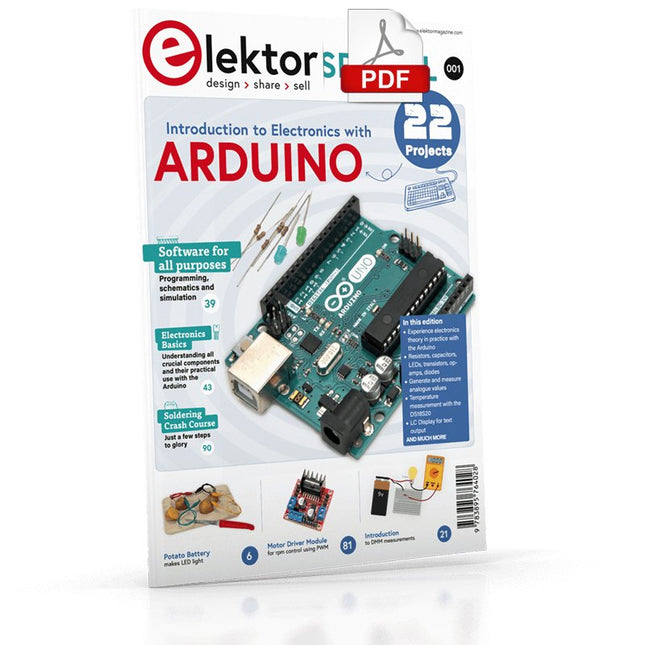
Although the Arduino isn’t a novelty any longer, there are still many beginners who want to try programming and development with a microcontroller, and to them, it is all new. All beginnings can be difficult, though they should be light and enjoyable.
You do not need much or expensive equipment for the examples. The circuits are built on a small breadboard, and, if necessary, connected to an Arduino Uno, which you can program on a Windows PC. You will find clear examples of how to build all circuits, ensuring easy and error-free reproduction.
Projects Discussed
Current & Voltage – How it all began
Arduino Hardware
Arduino Programming
The Electrical Circuit
Measuring with the Multimeter
Circuit Diagrams and Breadboards
Creating Circuit Diagrams
Breadboard Views with Fritzing
Online Circuit Simulation
Indispensable: Resistors (Part 1)
Hands-on with Resistors (Part 2)
Variable Resistors
Diodes: One-way Street for Current
The Transistor Switch
Electromagnetism
Relays and Motors
op-amps: Operational Amplifiers
Capacitors
The NE555 Timer
PWM and Analogue Values with Arduino
7-Segment Temperature Display
Introduction to Soldering and LCDs
Elektor GREEN and GOLD members can download their digital edition here.
Not a member yet? Click here.
Knowledge for All!
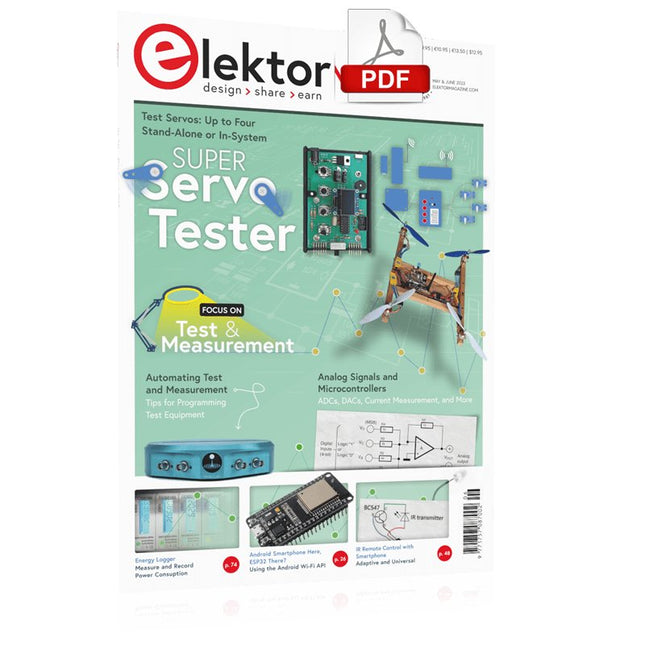
Super Servo TesterTest Up to Four Servos Stand-Alone or In-System
Analog Signals and MicrocontrollersADCs, DACs, Current Measurement, and More
embedded world 2023
Sub-Nyquist Sampling in PracticeReliably Capturing Higher Frequencies Using Subsampling
Android Smartphone Here, ESP32 There?Practical Pproject Using the Android Wi-Fi API
Active 1-kHz Filter for Distortion MeasurementBetter Measurements Through Optimization of the Measurement Signal
Starting Out in Electronics......Multivibrating Cheerfully Further!
Err-lectronicsCorrections, Updates and Readers’ Letters
The New I3C ProtocolA Worthy Successor to I²C, or Just More Hot Air?
BlueRC: IR Remote Control with Smartphone and ESP32Adaptive and Universal
Microcontroller Documentation Explained (Part 2)Registers and Block Diagrams
Automating Test and MeasurementProgramming Test Equipment to Do What You Want
Infographics: Test and Measurement
Overvoltage Protection for Safe OperationTransient Protection for Non-Isolated DC/DC Power Modules
Wiha Measuring EquipmentReliable Electrical Testers and Meters
Automating Testing and Collaborating on Test Results
From Life’s ExperienceHigh-Level Electronics
Energy LoggerMeasuring and Recording Power Consumption
Assembling the 4tronix M.A.R.S. Rover Kit
Parking Disk with E-Paper DisplayAn Innovative Digital Replacement
eCO₂ Telegram botAir-Quality Measurement with Telegram Notification
Behind the Scenes of DIY High-End AudioElektor’s Ton Giesberts Interviewed on the Fine Art of Analog Design
HomeLab ToursWork in Progress...
RFID Tag Reading and RFID Door LockSample Projects from the Elektor Arduino Experimenting Bundle
Oscilloscope Current Probe for RFRF Current Measurements Made Easy
Not for the Faint-Hearted: Robot Arm KitWith Raspberry Pi Pico and MicroPython
Generative AIWho Made This Anyway?
Hexadoku
Dit 216 pagina's tellende e-book staat boordevol Arduino-ideeën, uitleg, tips, diagrammen, programma's, PCB layouts en meer. Genoeg voor dagen vol informatief, inspirerend en stimulerend leesplezier!
Opgemaakt als PDF bevat dit digitale document een inhoudsopgave inclusief links naar elk project, zo dat u gemakkelijk komt waar u wilt zijn. Dit biedt u de mogelijkheid om tussen projecten te wisselen en degene die u het meeste boeien snel en gemakkelijk te vinden.